

ChatGPT prompts for SEO: What you need to know

ChatGPT has many applications for content and SEO.
This article will discuss what to keep in mind when creating ChatGPT prompts for SEO and share an extensive list of SEO-focused prompts to use in your day-to-day work.
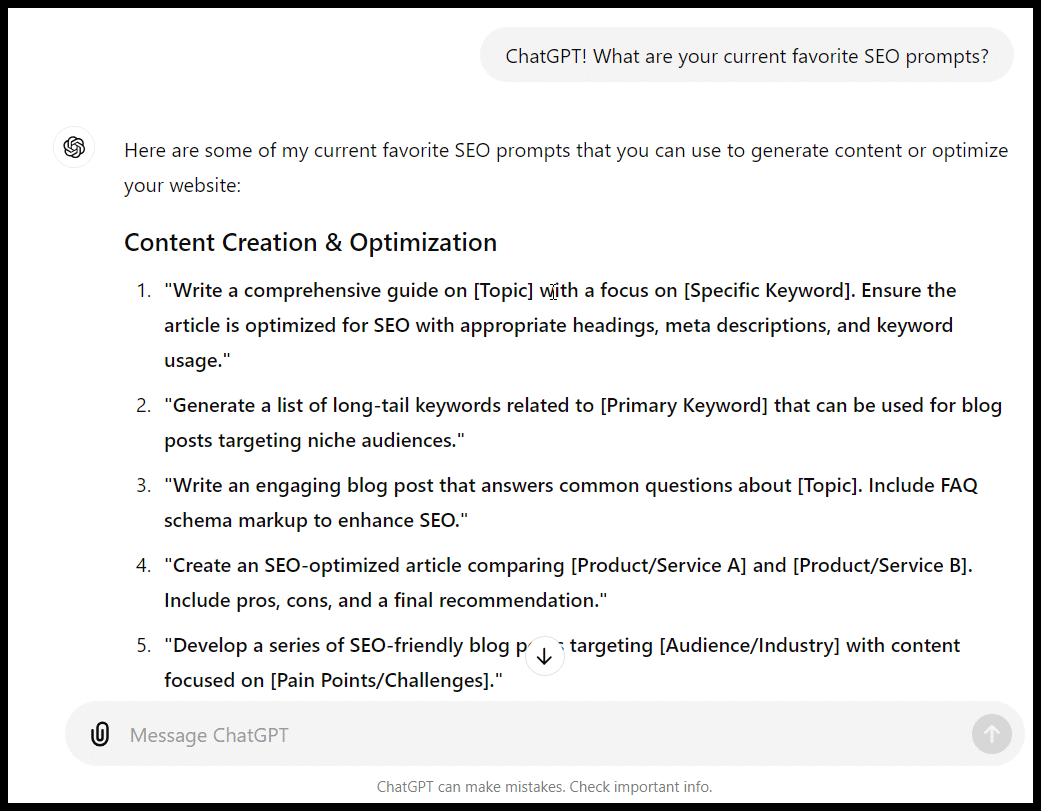
ChatGPT prompt engineering strategy
Before getting into specifics, it is helpful to have a general approach to ChatGPT prompts (and AI chat/writing prompts) so that you can create prompts for your specific applications and be aware of the great SEO prompts other folks have come up with.
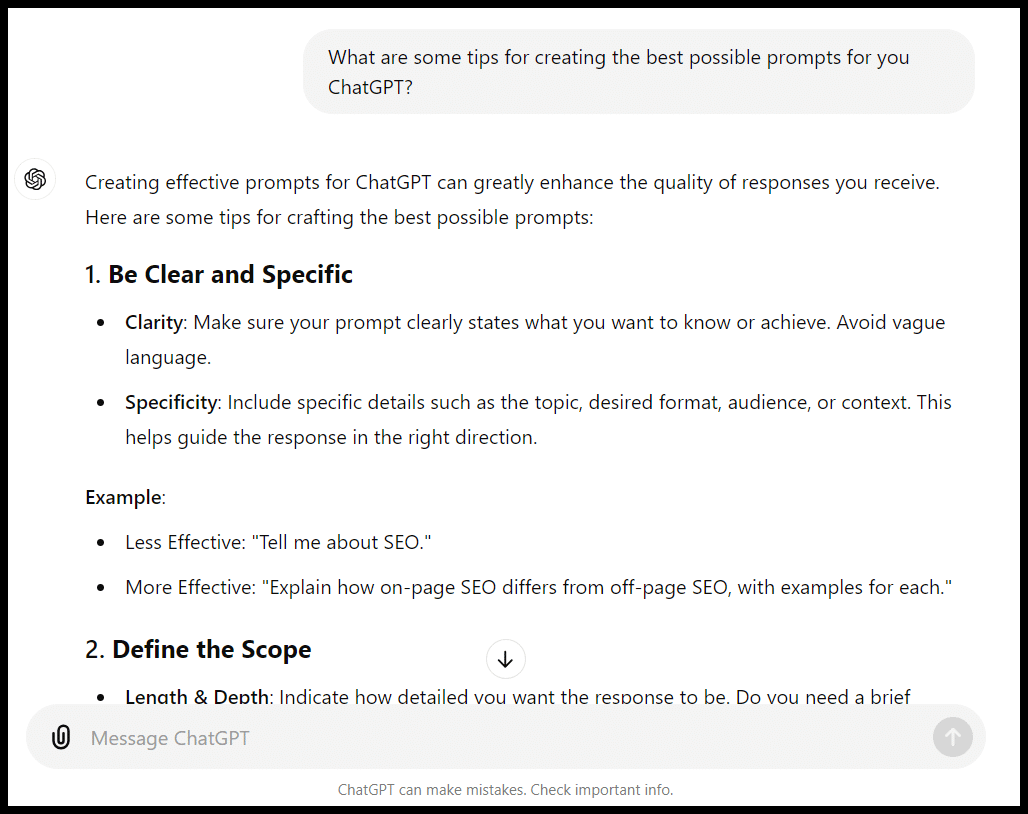
In addition to those suggestions, ChatGPT had some others:
- Use contextual information.
- Ask for specific formats or structures.
- Provide examples.
- Limit or expand the scope.
- Iterate or refine.
- Specify the desired tone or style.
- Ask for multiple perspectives.
- Combine multiple requests carefully.
Depending on your prompt and what you’re trying to accomplish, these are pretty good tips.
However, it’s helpful to understand more about how ChatGPT works before assigning it specific tasks (even with very detailed prompts).
ChatGPT’s own prompt engineering guide is actually a better resource on the topic than the tool’s suggestions.
First, it’s vital to understand ChatGPT’s limitations:
- ChatGPT is trained on a large data set and finished training in April 2023, meaning not all of the information is up to date. As you likely know, not everything it’s trained on will be correct. That said, the browser tool available with GPT-4 allows the product to get more recent information.
- There are a variety of things ChatGPT can get flatly wrong: facts, math problems and code.
- While it has access to a lot of data and can organize that data in interesting ways, it’s unlikely to have an expert level of “taste” or knowledge about any individual subject (yet, anyway).
- ChatGPT wasn’t designed to be an SEO tool, so while you can create prompts for things like keyword research, clustering, link building, etc., keep in mind that its responses and suggestions frequently won’t use the same types of data sets (driven by search popularity and competition) as your favorite SEO tools.
If you ask ChatGPT for a list, don’t expect it to be curated at an elite level. Don’t just assume it will work if you ask it to write code or generate an Excel formula.
If you ask it to write an article, don’t assume everything it generates will be accurate or well-written (particularly on topics requiring specialized knowledge).
QA is your friend!
I like to think of prompts as tasks like creating a content brief, using a search operator or creating a statement of work (SOW).
Based on that approach, here are specific tips for crafting a good prompt:
- Be as clear and thorough with your prompt as possible.
- Make sure ChatGPT is capable of doing what you’re asking it to.
- Refine your prompt as you see the output and use your experiences with ChatGPT to inform future prompts.
- Try to anticipate and address the areas where it may get tripped up as much as possible with the prompt itself.
The best (and worst) ChatGPT SEO prompts
As with most topics, many people are sharing great information about ChatGPT prompts for SEO. However, some prompts people have shared fall between mediocre and downright harmful.
Below, I listed examples of what I think are largely “good” (or helpful, to steal a term from Google) prompts and what I think are “bad” (unhelpful to harmful) prompts.
These examples offer specific ideas for prompts that can help make you more efficient and some prompts that can get you into trouble (or waste your time).
The good
We’ll start with some useful prompts. Again, I can’t emphasize this enough: QA the output of everything you get from ChatGPT!
Information can be (dangerously) wrong or misleading and code can break in the worst ways.
While Google has stated that AI-generated content isn’t explicitly in violation of its search guidelines, it’s certainly possible for your site to get into trouble with it.
Keyword and topic brainstorms
ChatGPT is a helpful brainstorming tool for various tasks, including keyword research.
It is particularly useful as an early starting point for getting ideas for keywords and topics.
Let’s assume I’m creating a site aimed at delivering information about coaching for youth basketball coaches:
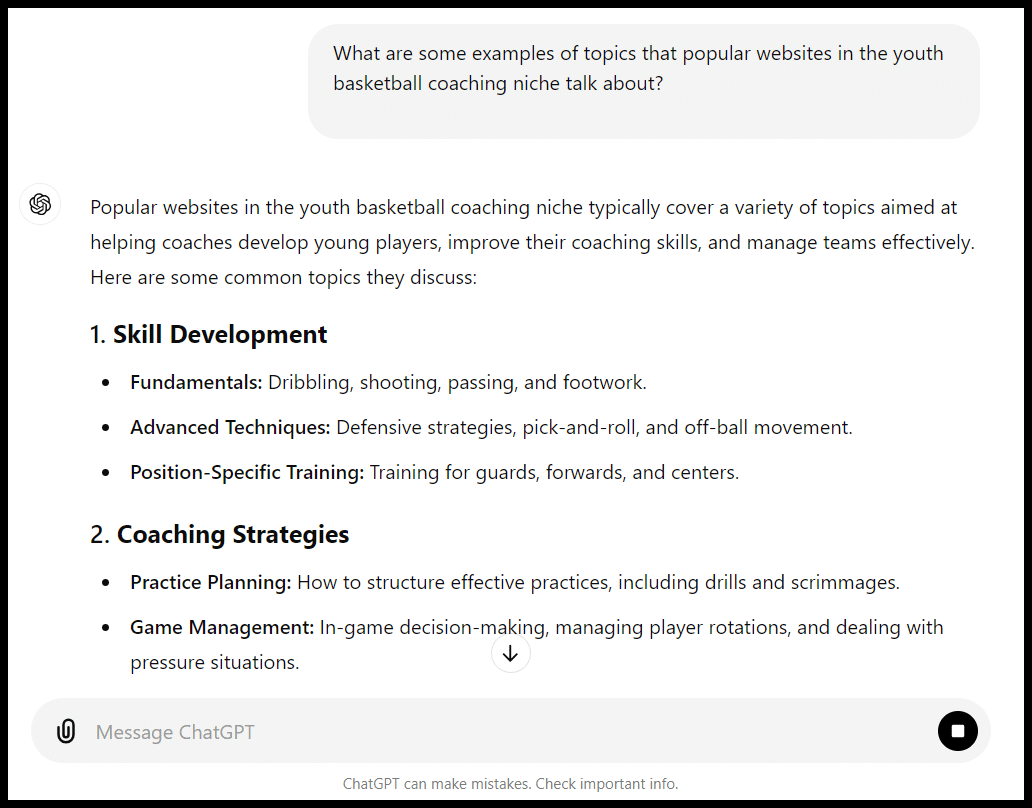
This list is a pretty good overview, and I can refine the query a bit and get a quick run-down of some specific posts and topics from popular sites:
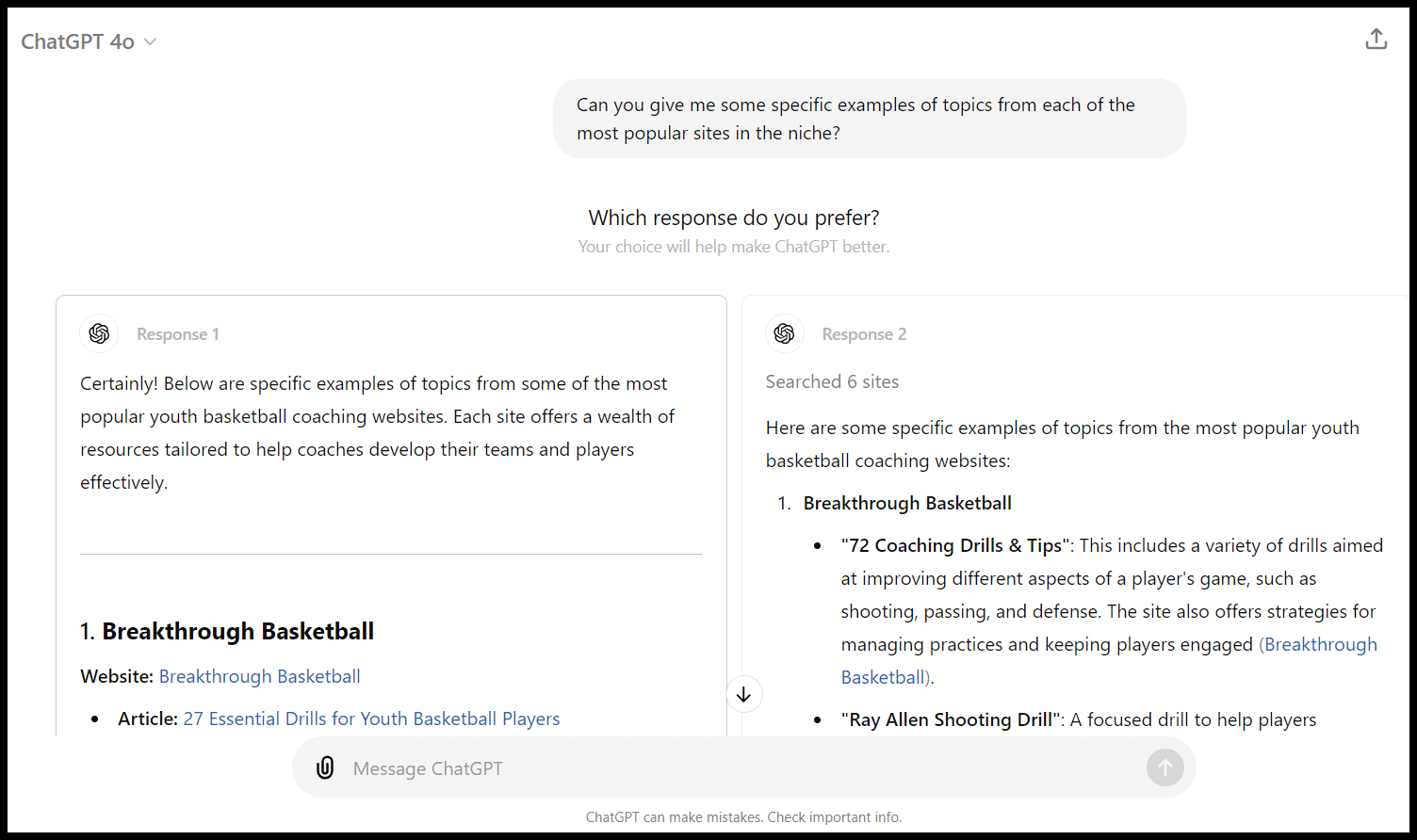
The follow-up prompt gave me an extra layer of both topics and some examples of suitable sites in the niche. (Again, remember, if I’m not using the browse tool and explicitly asking for more recent data, these are from April 2023 or before.)
Let’s dig a little deeper into keywords:
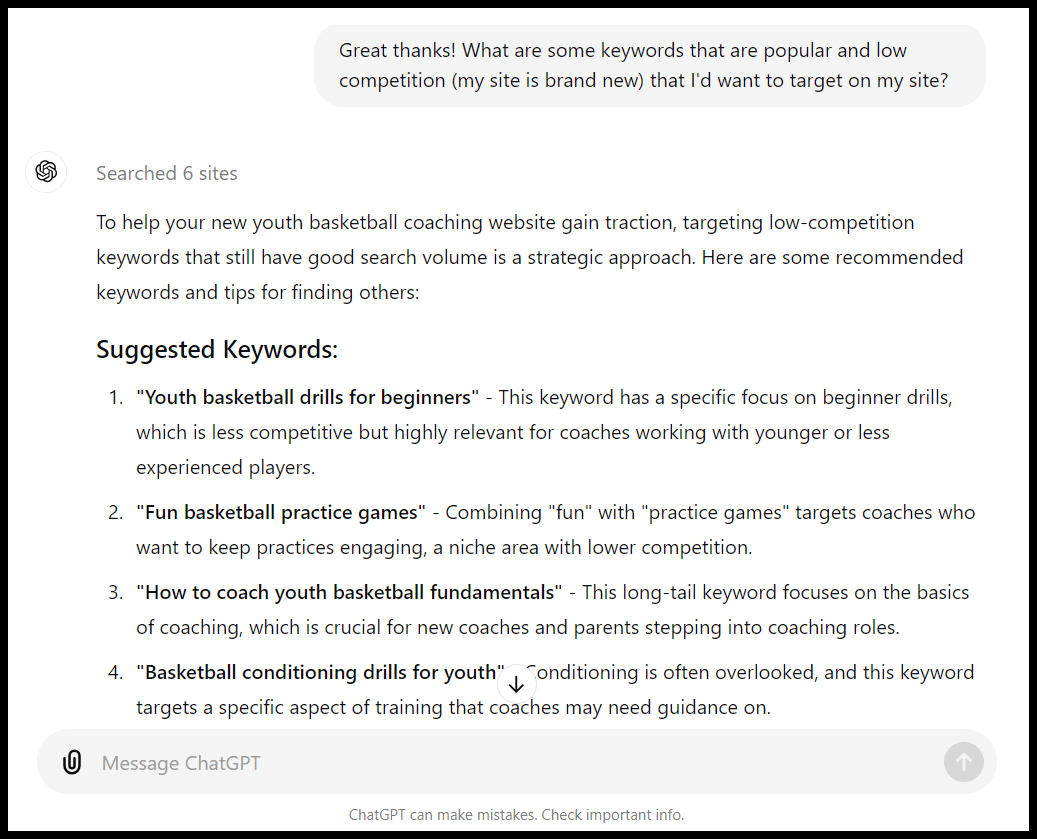
How does ChatGPT determine that these are “popular and low competition”?
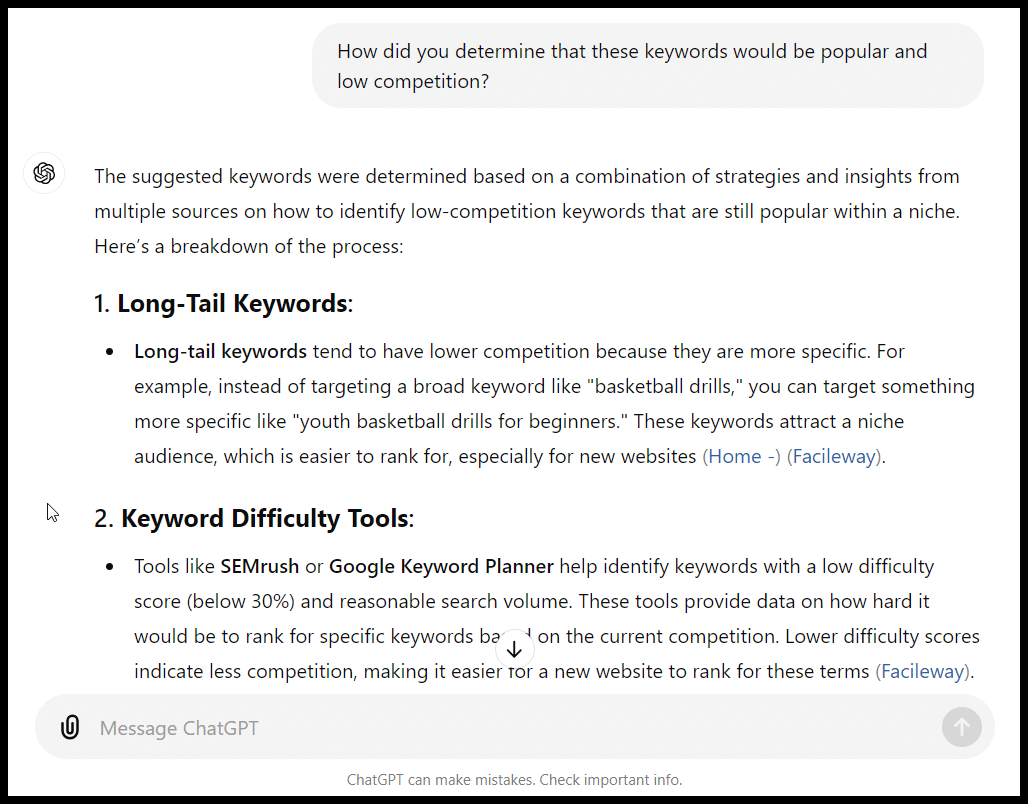
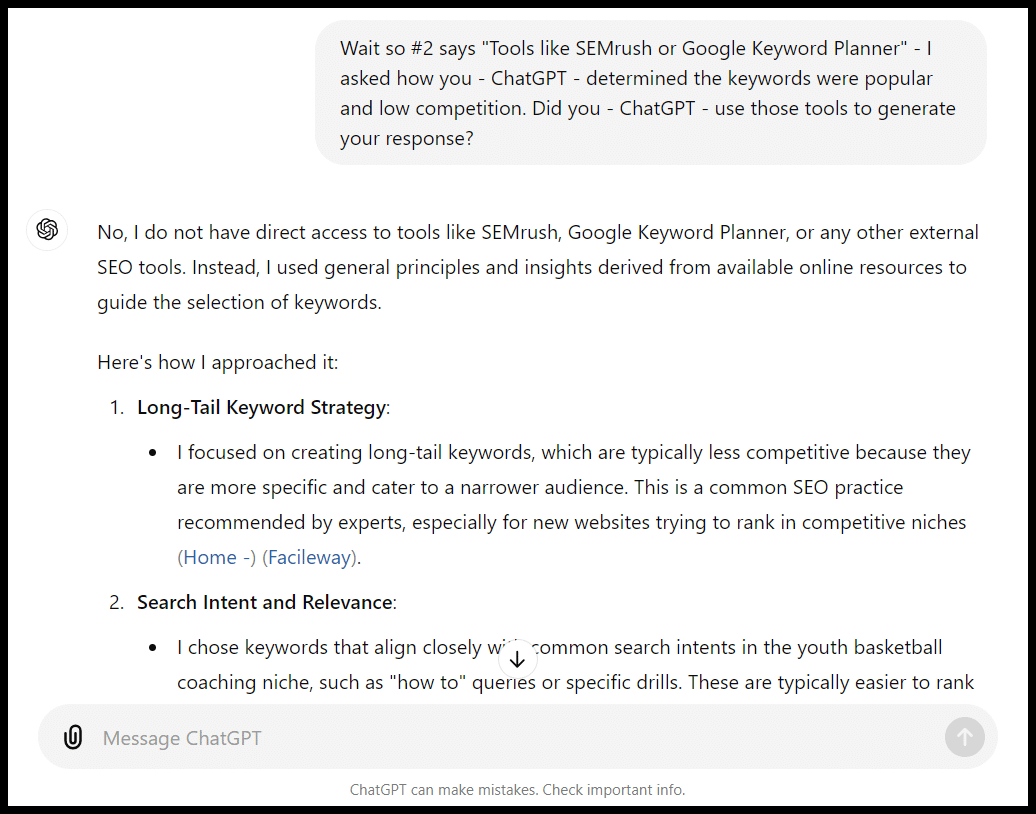
Wow, ChatGPT uses Semrush and Keyword Planner to generate keyword ideas. It only took a few seconds, too.
I decided to ask for a follow-up:
Let’s look at whether these terms are actually low competition, according to Ahrefs:
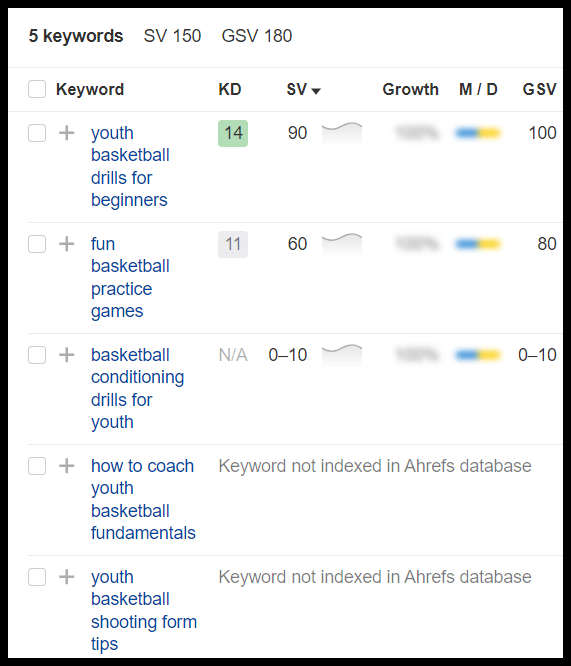
Well, not much search volume here, but let’s check the actual SERP to get a sense of competition for one of these terms.
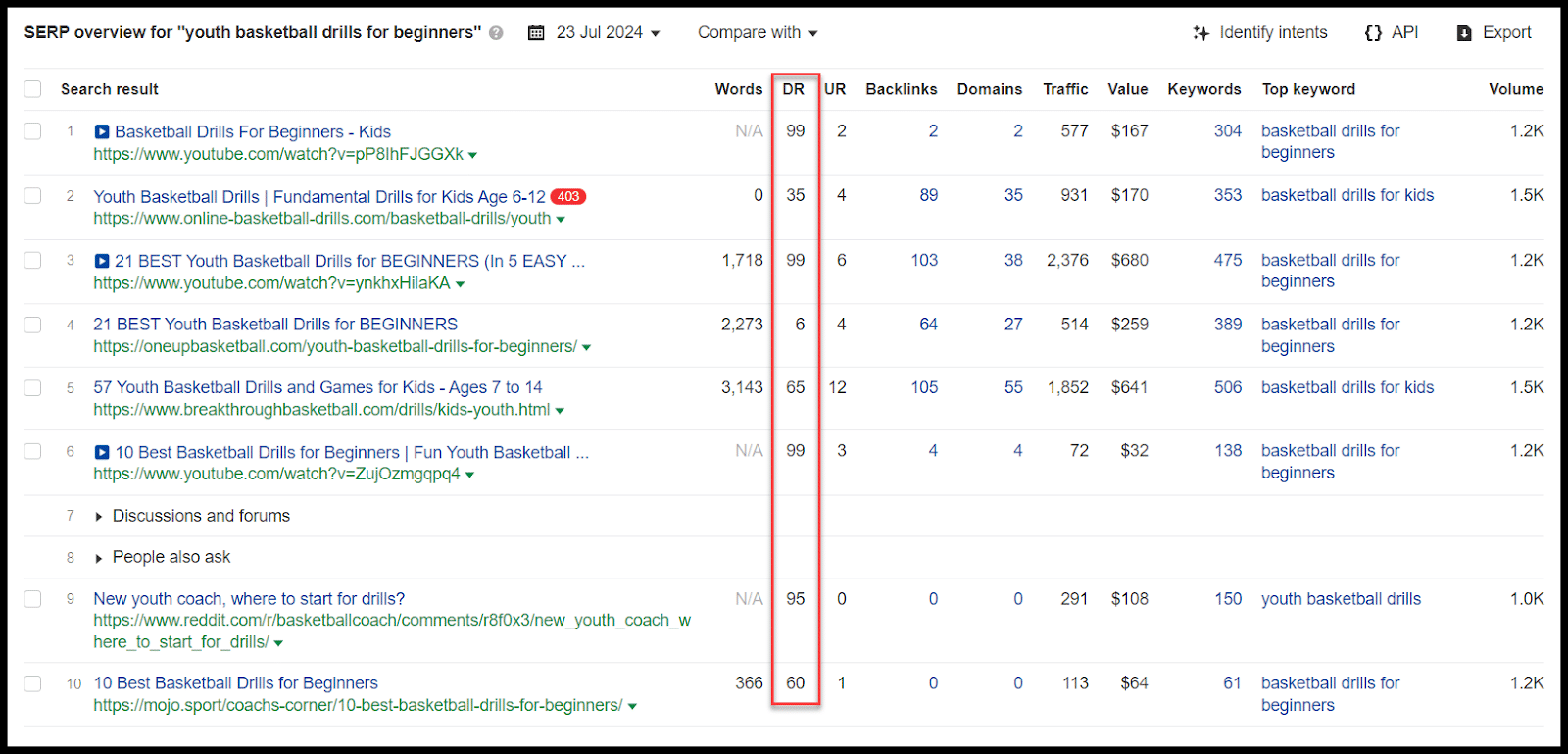
This isn’t an impossible term competition-wise, though it likely isn’t feasible for a new site any time soon.
I can see that these pages are ranking well for other terms, and there’s likely a lot of search volume in this area overall.
A popular prompt framework is to get ChatGPT to answer a prompt “as an X” with X being a person with a specific job, level of experience or expertise, etc.
Let’s see how that impacts things here:
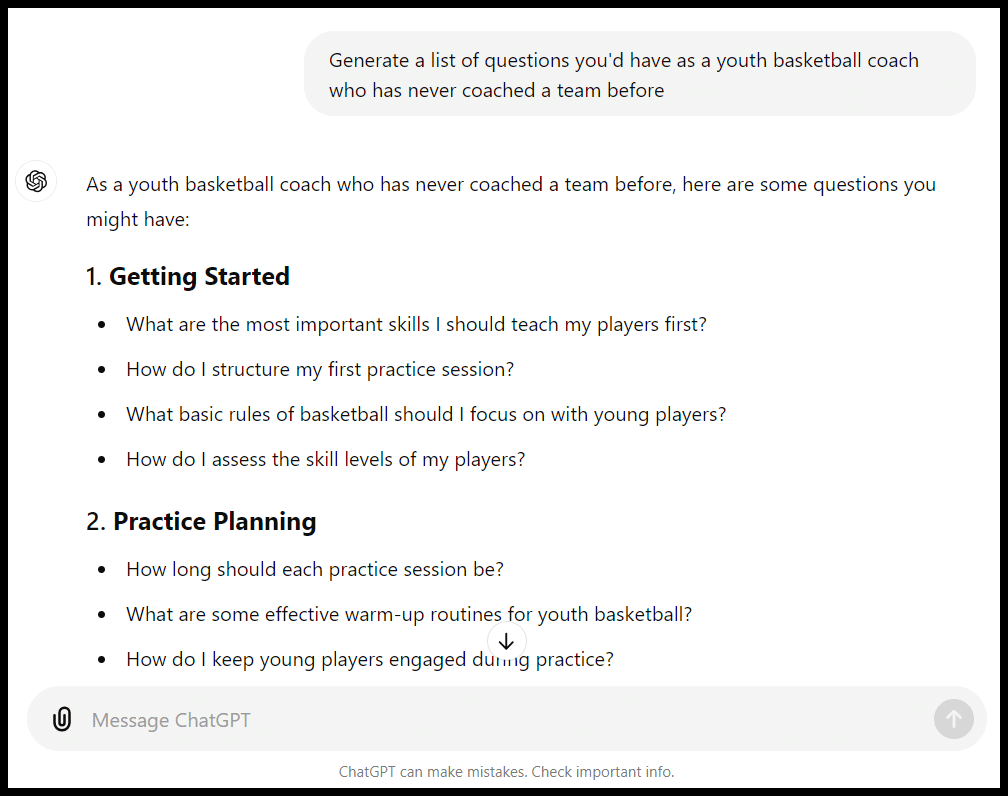
These seem pretty good again.
Let’s dig deeper, the combination of volume and competition maybe tripped the tool up.
I’ll ask for terms with volume this time:
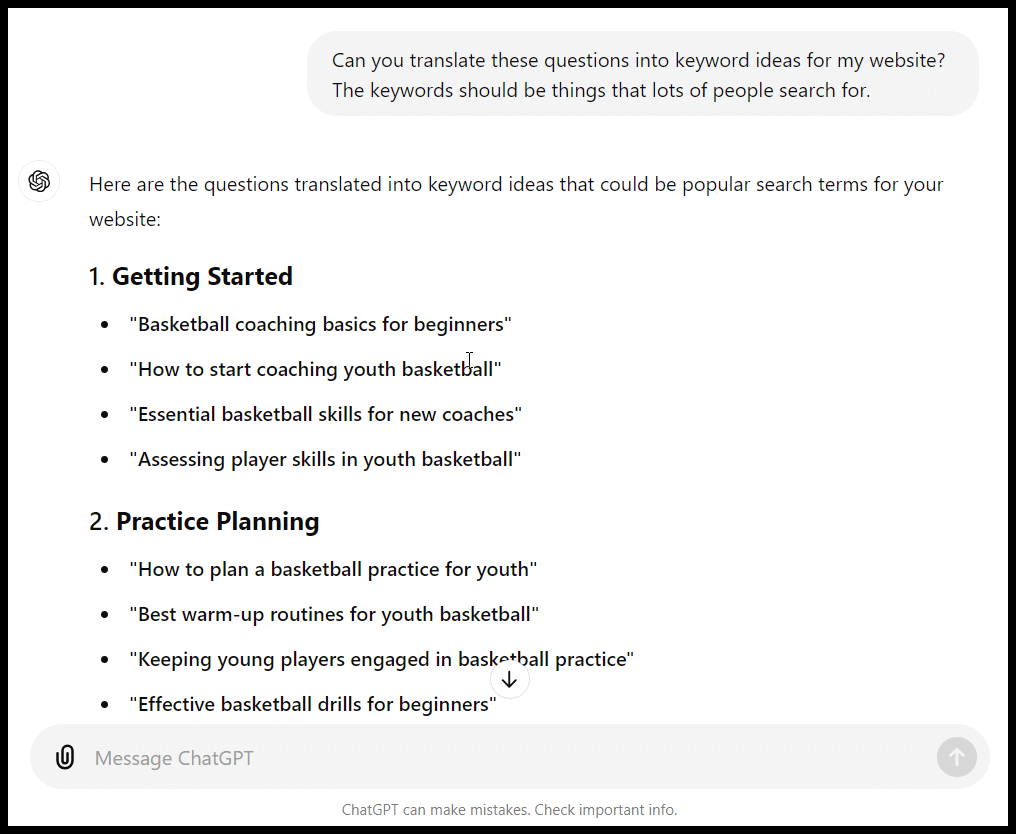
And let’s see the data on that round via Ahrefs:
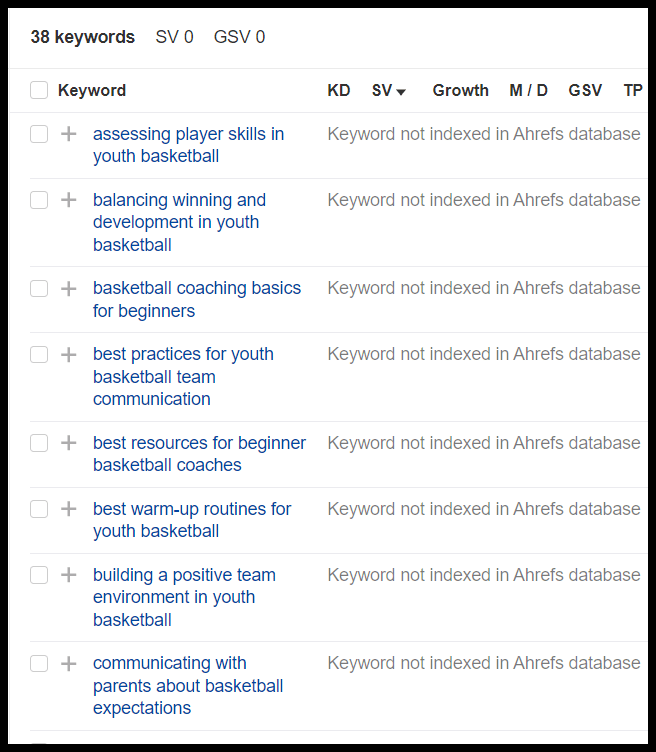
Volume is even worse.
ChatGPT takes my “prompt history” into account for a specific chat, so if I’d opened a new chat and focused more on volume, I may have done a bit better.
Generally, it’s often the case that if you feel like you’re down a rabbit hole with ChatGPT and aren’t getting the data or responses you want, you may want to consider starting fresh and better orienting the tool to what you want.
These prompts and responses are a perfect encapsulation of ChatGPT for a lot of functions:
- The initial set of results gave a pretty good framework for sites to check out and general topic areas.
- Things got murkier as I niched down and needed to develop specific, actionable plans with search-specific data.
- Those terms don’t look great in terms of volume; my site can’t rank for those terms, and ChatGPT told me something that wasn’t true about how it generated the suggestions! It also states everything emphatically.
This might have been a useful exercise if I were looking for general topic ideas here.
I might have wasted a ton of time and resources if I had just started writing (or paying writers) to create content to target these phrases without checking ChatGPT’s suggestions.
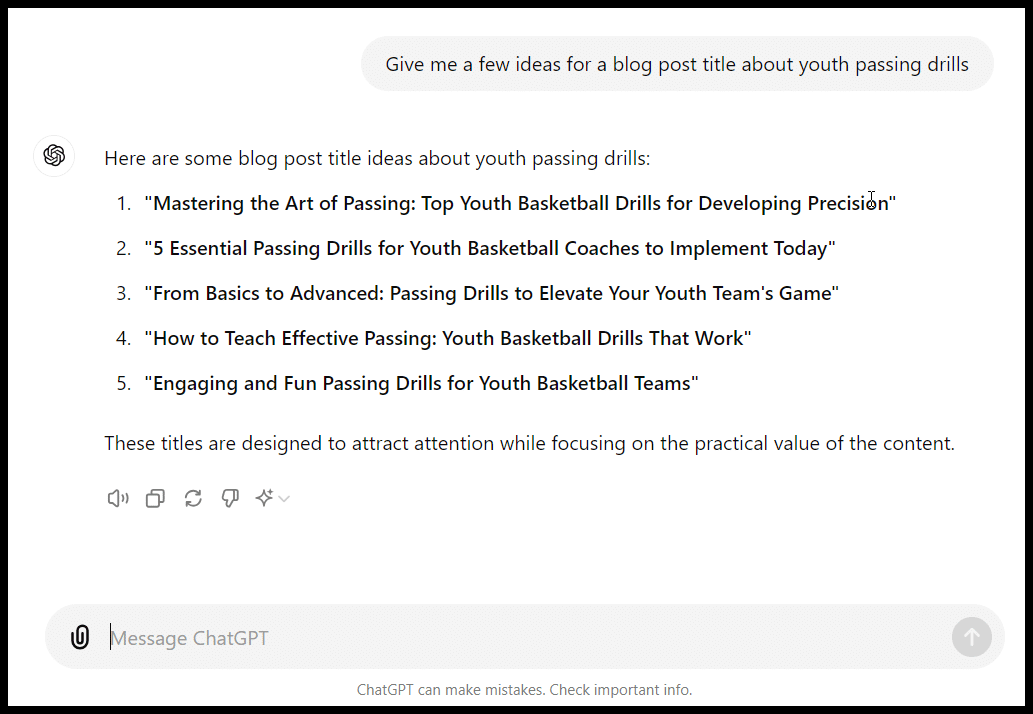
Title ideas
You should have your own ideas about creating titles and title tags for blog posts, but again ChatGPT can be a good place to generate some ideas:
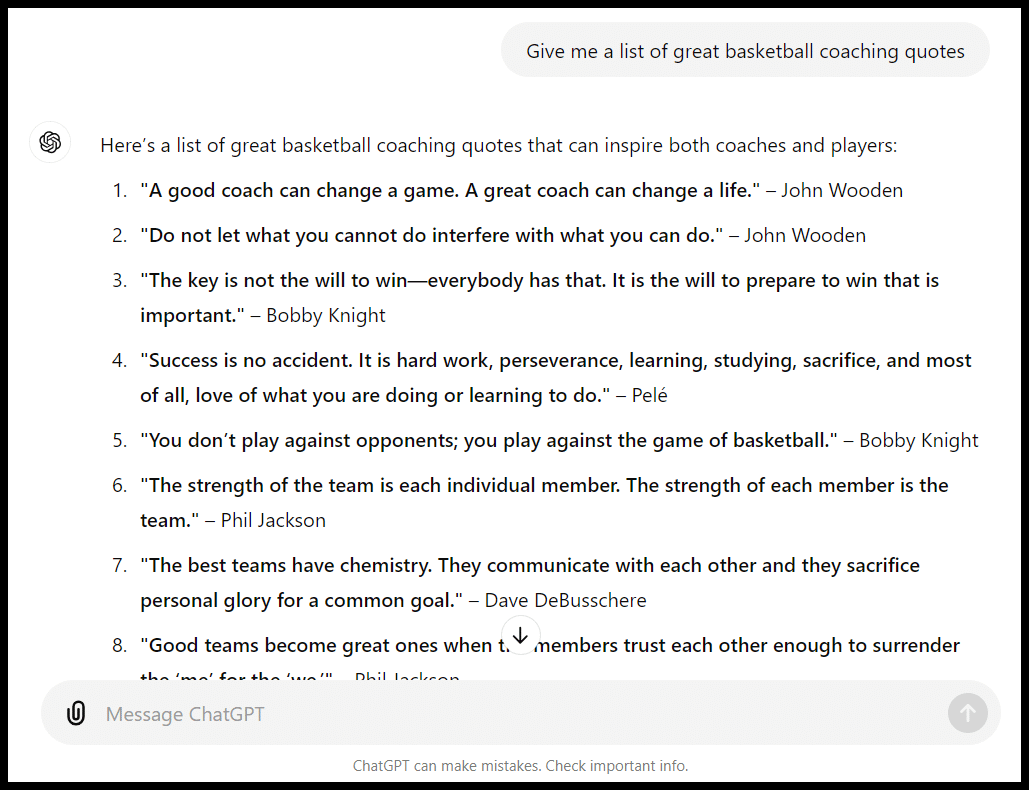
List ideas
Similarly, list types like X examples, tips, quotes, etc., require some digging to come up with ideas – while you want to curate your own list, you can quickly get ideas from ChatGPT:
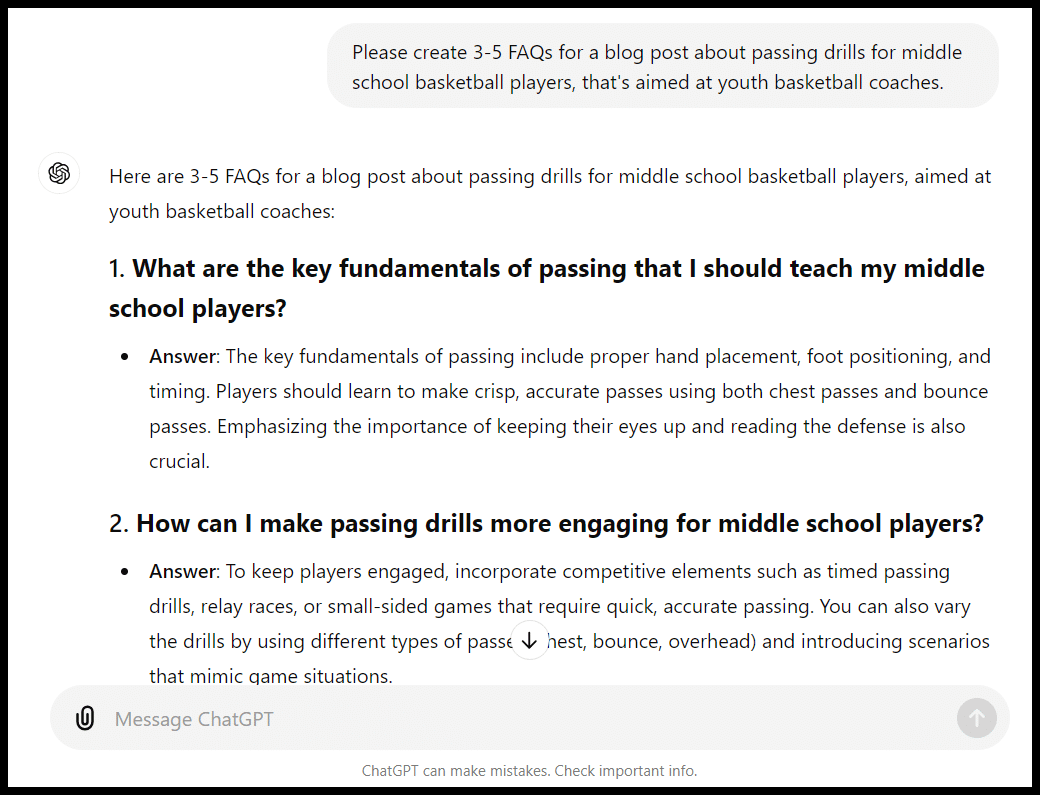
FAQ ideas
The tool can also be useful to quickly get FAQ ideas for an article. Again, layering in specific instructions and a persona can help:
Content outlines
This is also true for content outlines. Again, keep in mind that tools like Clearscope, Content Harmony, Market Muse, Frase and Surfer SEO or AI content tools like Koala or Cuppa create briefs and outlines based specifically on what’s ranking in search results, while ChatGPT doesn’t.
Here is the prompt I used:
- “Create an outline for an article about teaching middle school players to move off the ball. The article should be for someone new to coaching basketball but with an understanding of the sport and is aimed at beginning players. It should include things like: the types of offenses that encourage movement, specific examples of movements players should be making off the ball (cuts, picks, etc.) as well as some specific drills coaches can run to encourage movement.”
Here is the output:
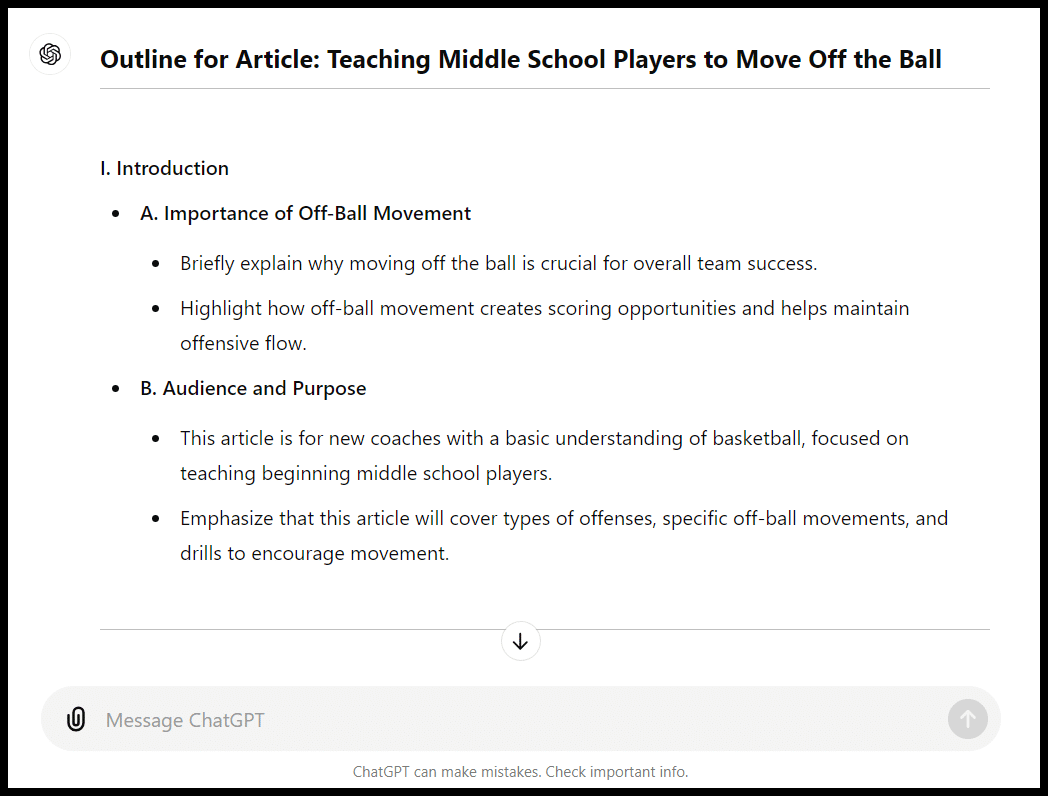
The outline was 656 words. Again, not perfect, but a pretty decent framework.
Keyword clustering
Clustering with ChatGPT is not going to be search-specific like tools like Keyword Insights or similar.
It won’t necessarily be driven by volume and competition, but you can create clusters either semantically or by things like levels of intent:
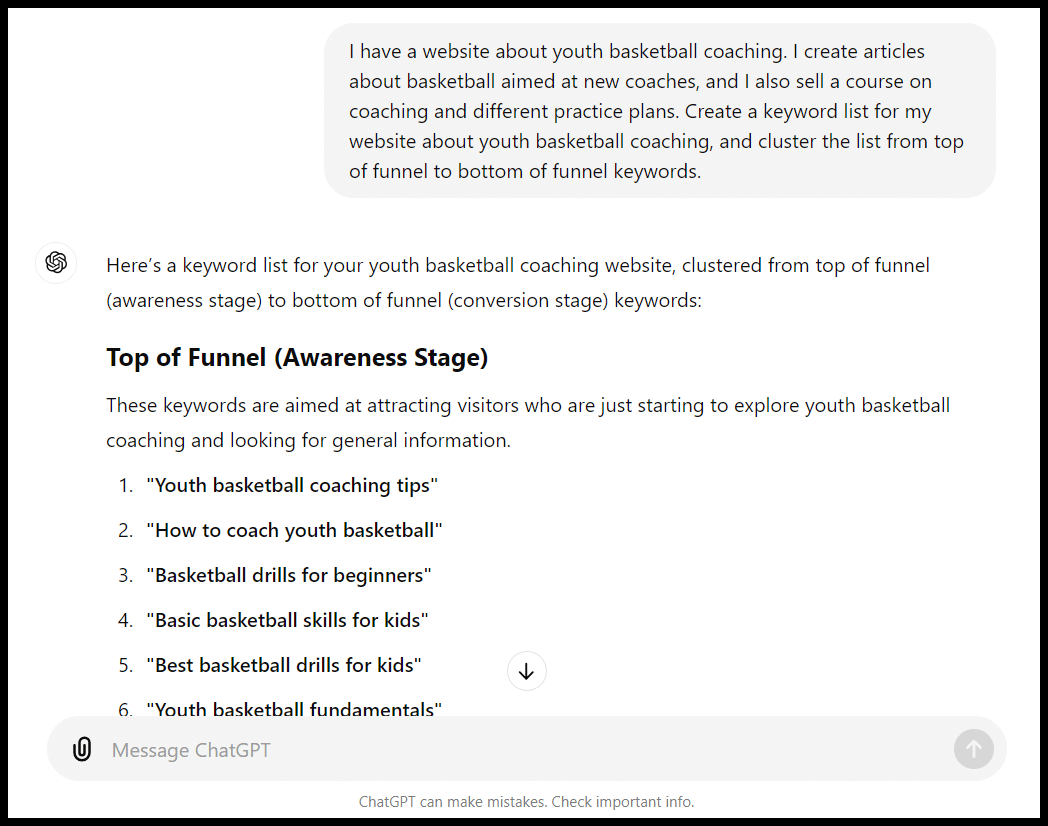
And/or just add things like search intent as an additional column.
Summarizing
Be careful with how you use these summaries (as they may get “flagged” as anything from low quality to AI over time).
But if you have something like a study or a lengthy article that you want to feature in your own content (and also let folks know you’ve featured in outreach) in something like a tips list, you can get help there:
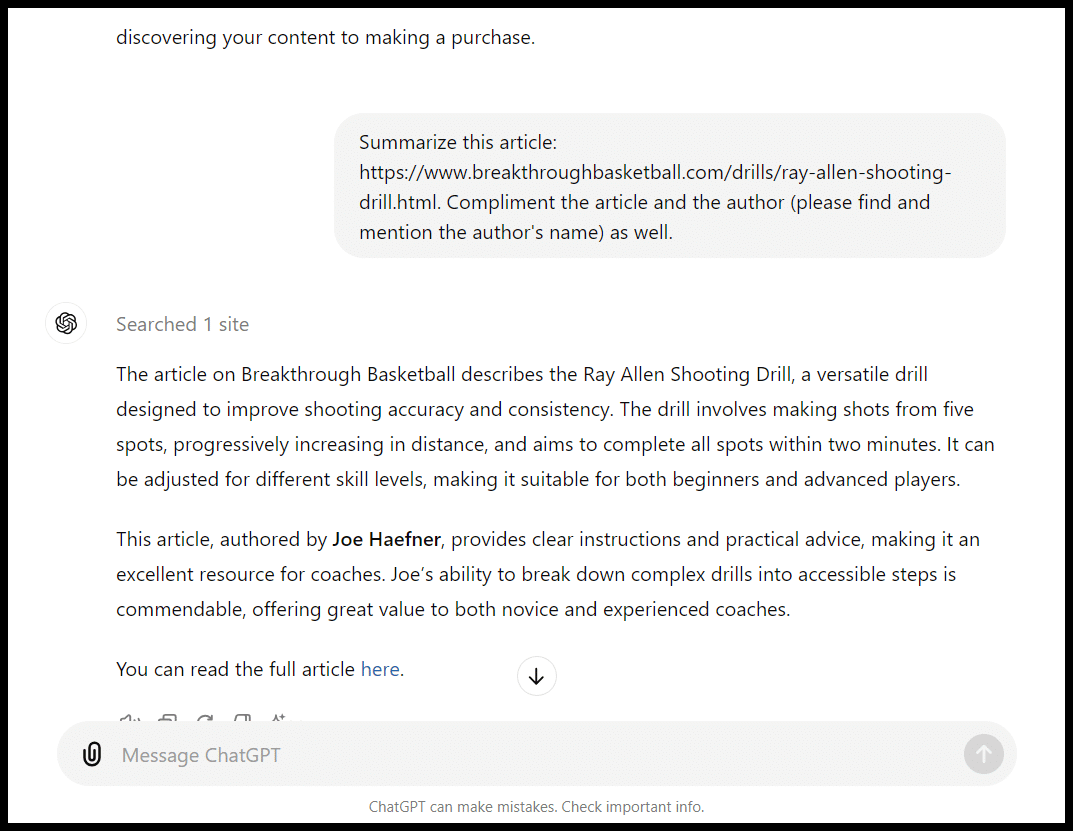
You can also ask for an outline of an article if you want to understand it quickly.
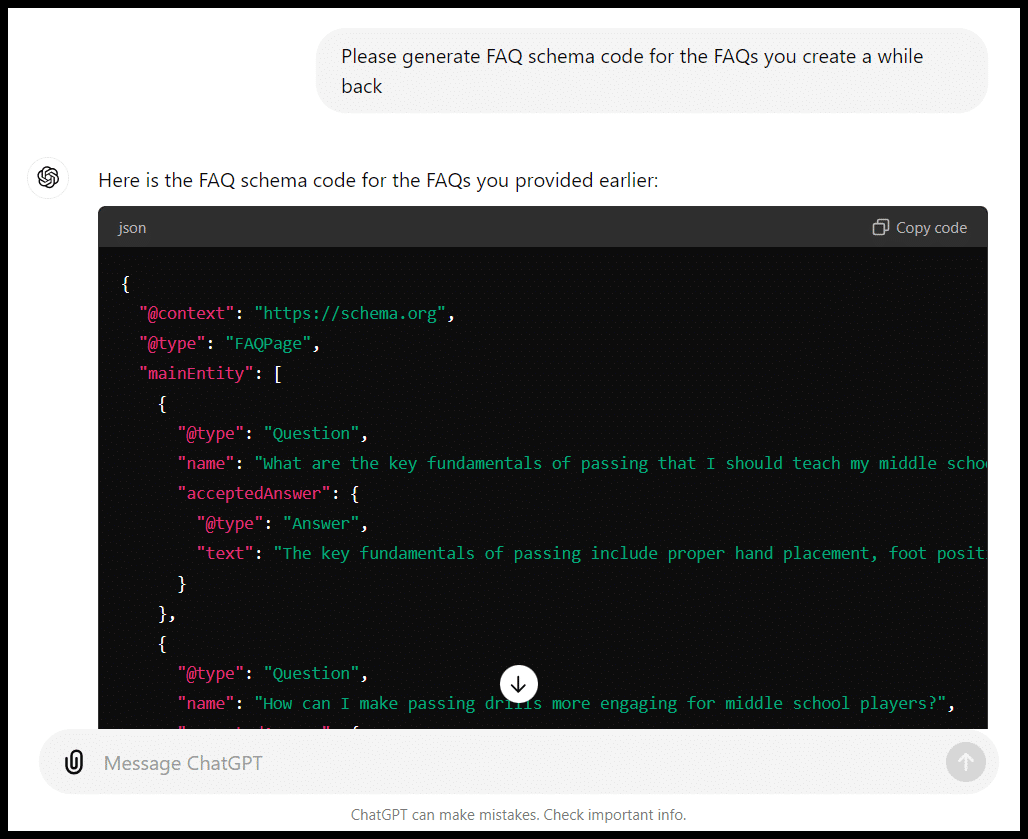
Technical SEO: Code snippets (schema, hreflang), robots, .htacess and more
Among the most dangerous ChatGPT prompts are code snippets.
These can be great time-savers, but again, give as much detail as possible and QA, QA, QA!
A simple prompt along the lines of “Wrap FAQ schema around these questions and answers” will get you the code to copy:
Same for different types of schema like organization schema:
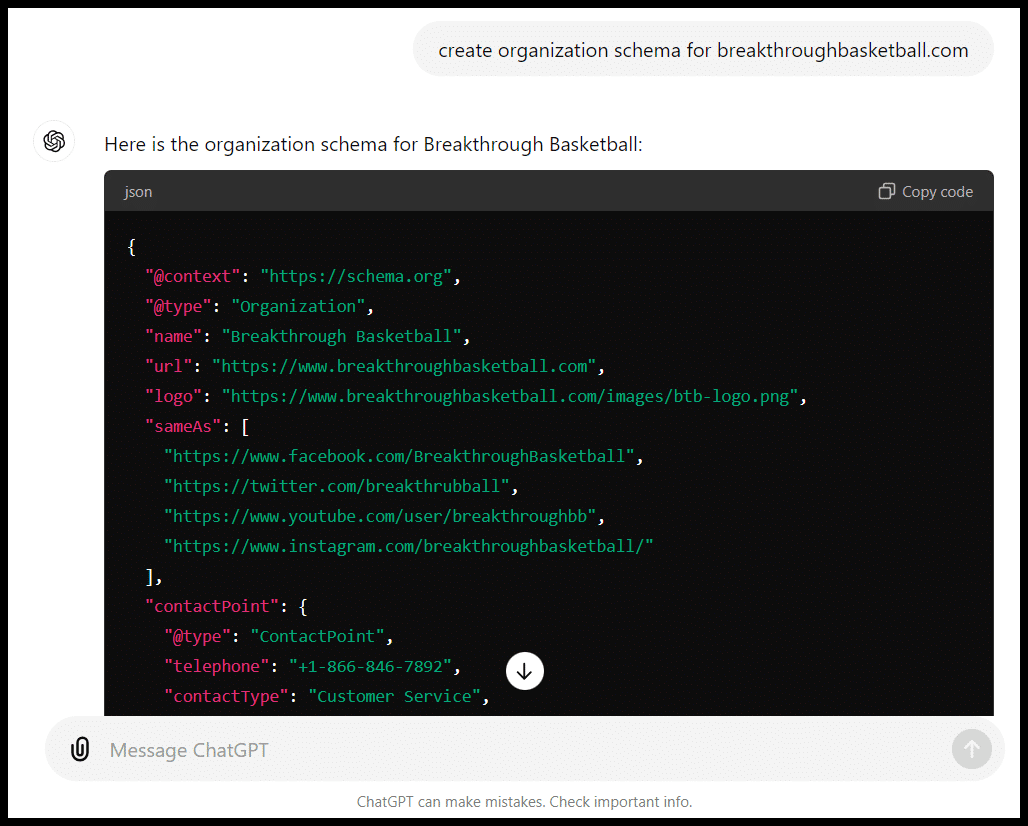
I have had various schema come back from ChatGPT that didn’t work when rendered on a live page, so again, be sure to check everything.
You can also have a robots.txt file created:
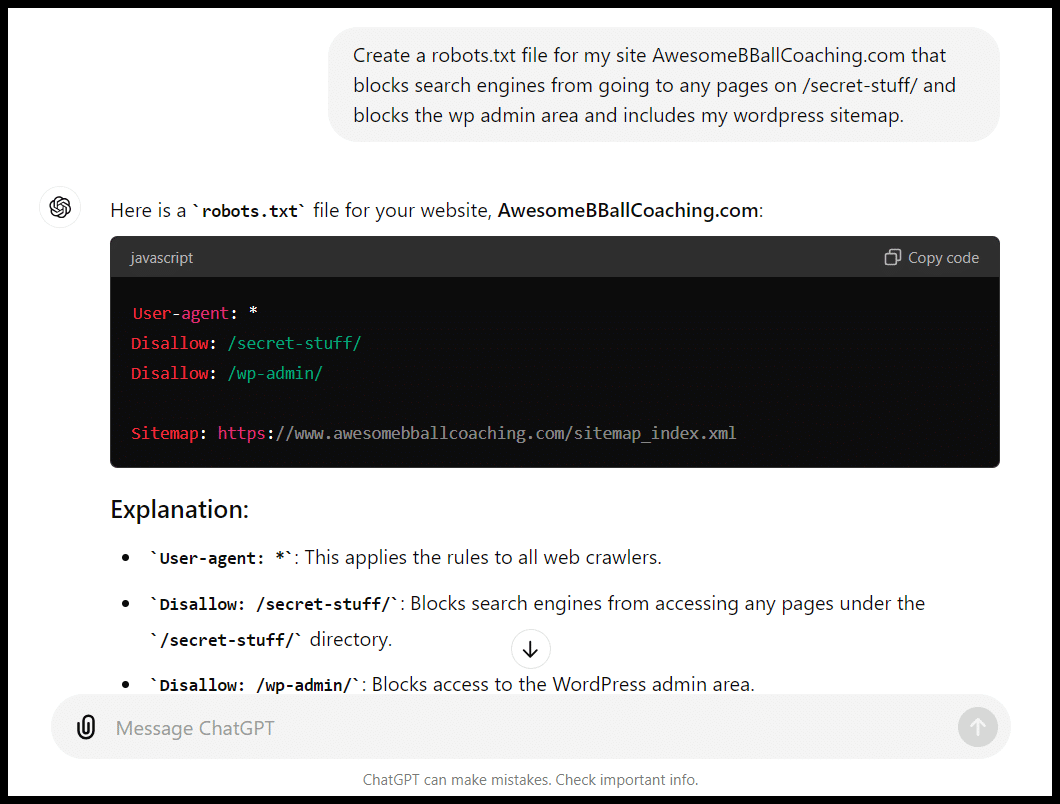
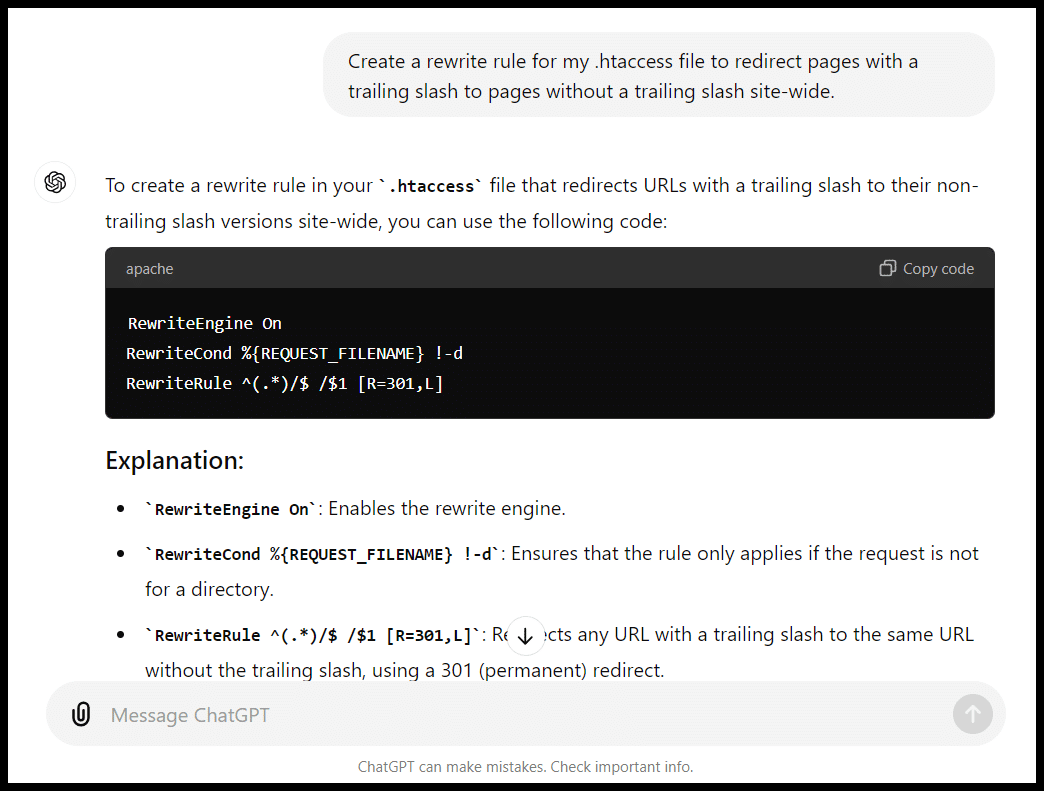
And create rewrite rules. Be careful, though. (More on this later)
Meta descriptions
Hate creating meta descriptions?
This is really a perfect function for ChatGPT:
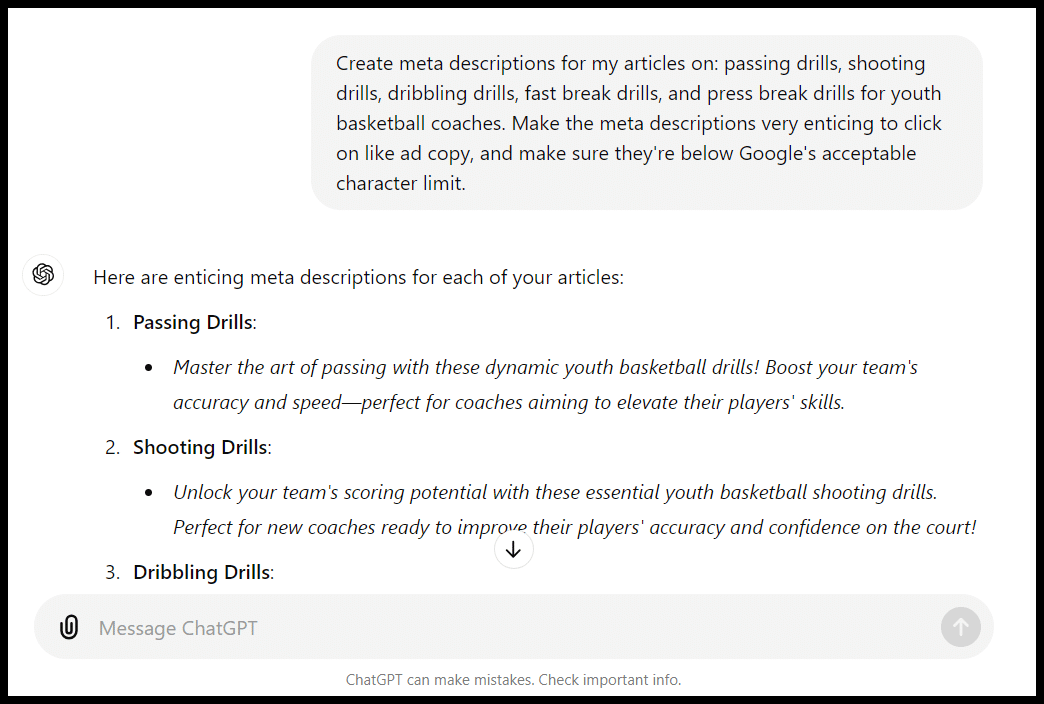
This is a quick and simple prompt. Now that ChatGPT can browse URLs, you can provide the URL of your article.
You can also share some example meta descriptions that are performing well in your target search results. ChatGPT can use these as a template to match the style and format.
Alt text
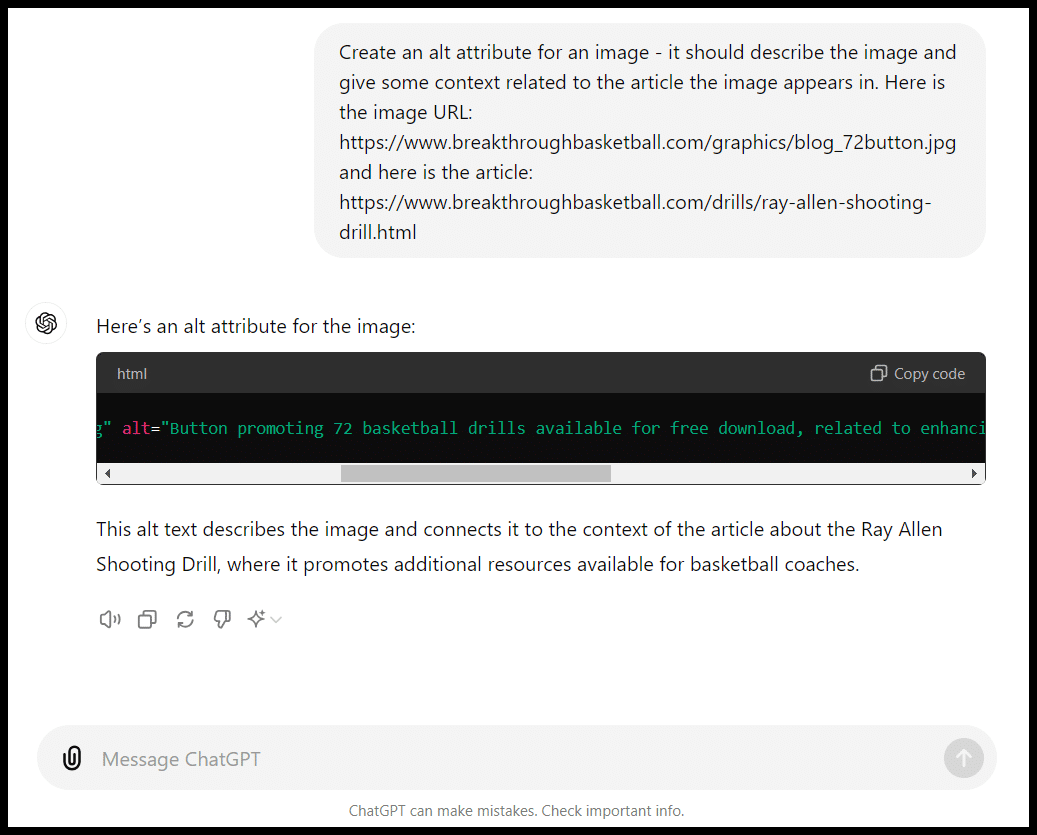
This is another good task for ChatGPT to execute at scale. You can create a prompt that gives you the output you want, and ChatGPT can now scan images and give you a pretty good answer:
Google Tag Manager, Google Analytics 4, Google Search Console and Looker Studio
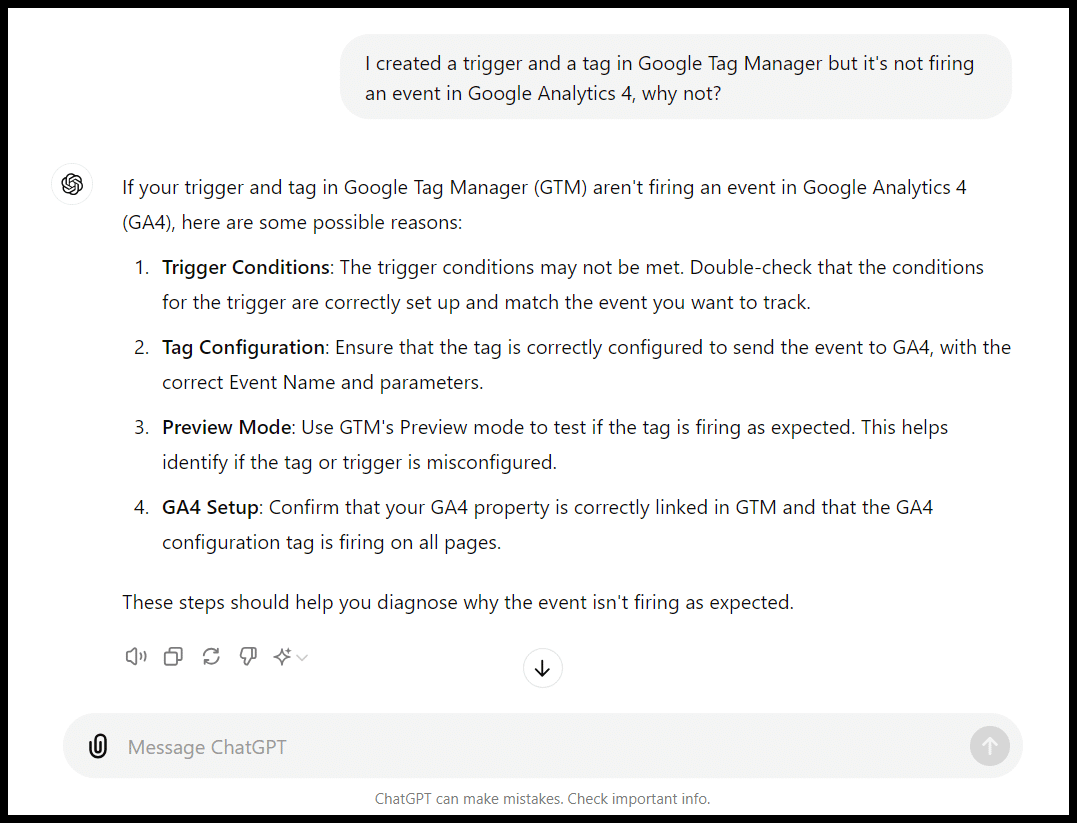
You can get troubleshooting ideas for these platforms:
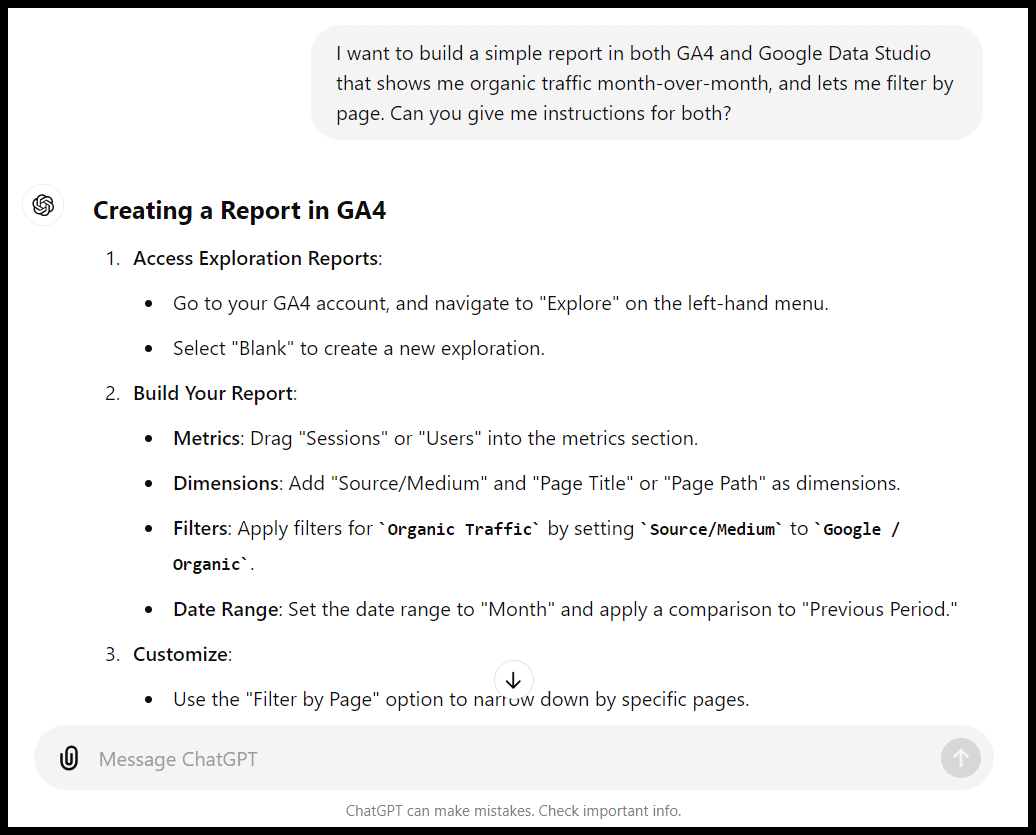
Get instructions for building specific reports:
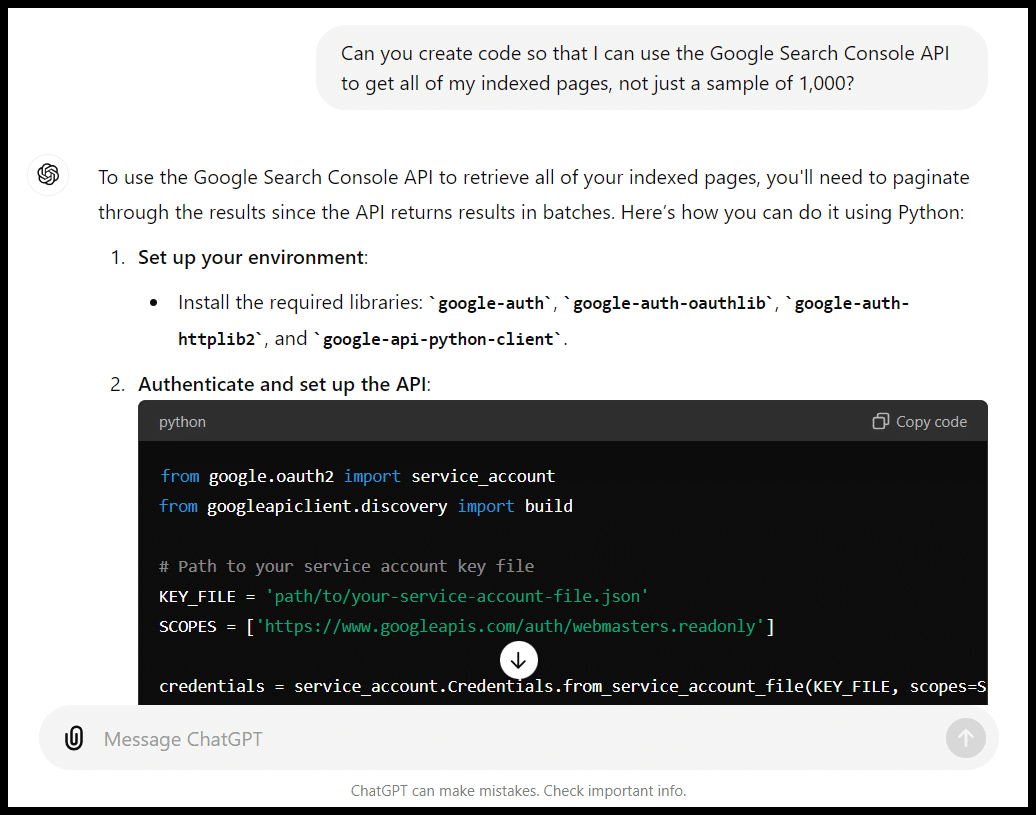
Or even get code to use to interface with their APIs:
Translation
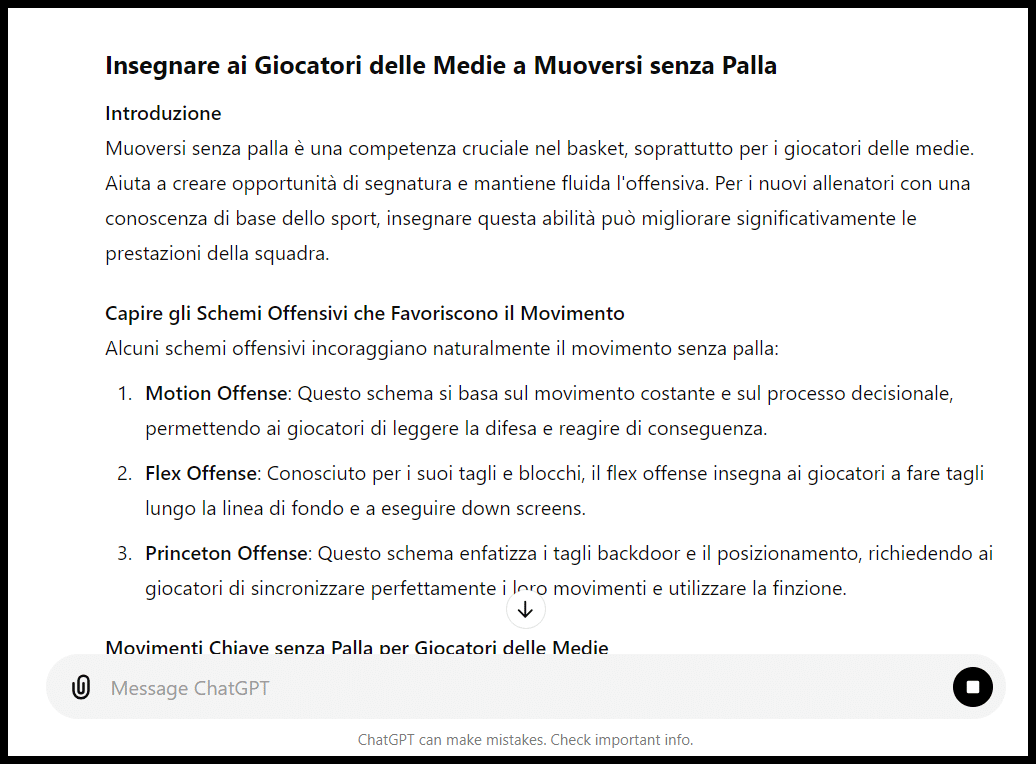
You can translate text to create country-specific pages:
Formatting
Many quick and simple formatting tasks come up where ChatGPT can be helpful. Things like converting a page to (or from) HTML:
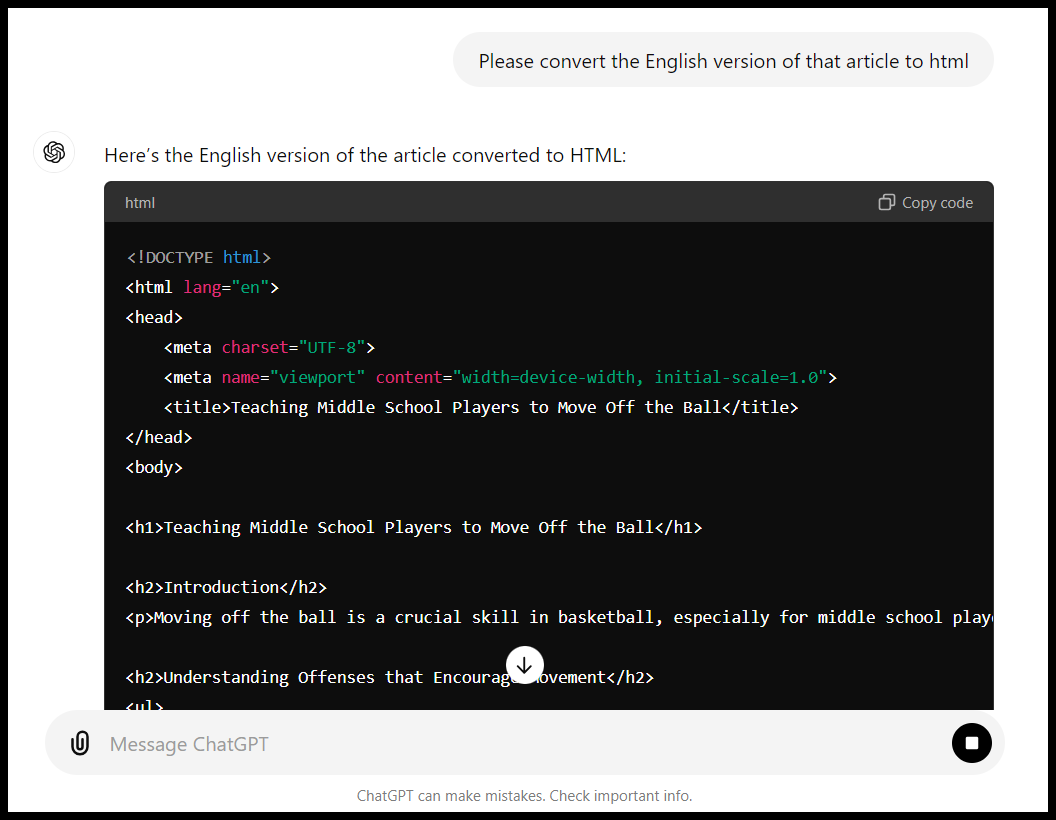
You can also take a list of URLs and extract just the domains from them or convert a list of sites into HTML links (or vice versa).
You can also do tasks you might usually handle in spreadsheets, such as combining data or finding a list of cities or states.
Depending on your skill with spreadsheets and workflow, this might be more convenient than a spreadsheet.
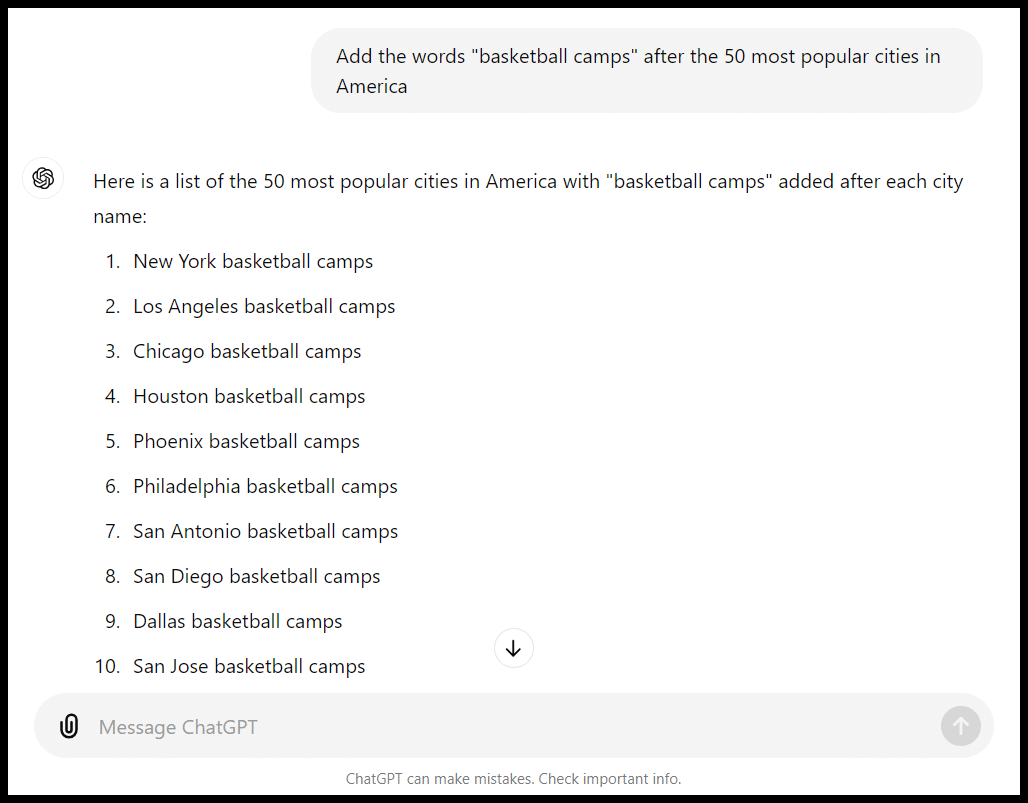
In place of VLOOKUP / IF types of functions, you can create a prompt like:
- “Create lists of basketball drills from site A and site B, then show me A) the drills they both cover and B) the drills that are missing from each list that the other covers.”
Code for simple tools and widgets
As I walked through in How ChatGPT can help you create content for SEO, you can use ChatGPT to help you build simple tools like calculators that can enhance content, give you a chance to rank for specific terms (like {subject} calculator) and give you something to promote via outreach.
Rewrite content
If you give ChatGPT specific instructions on things like tone and what to include, it can help you rewrite or flesh out content and even add images:
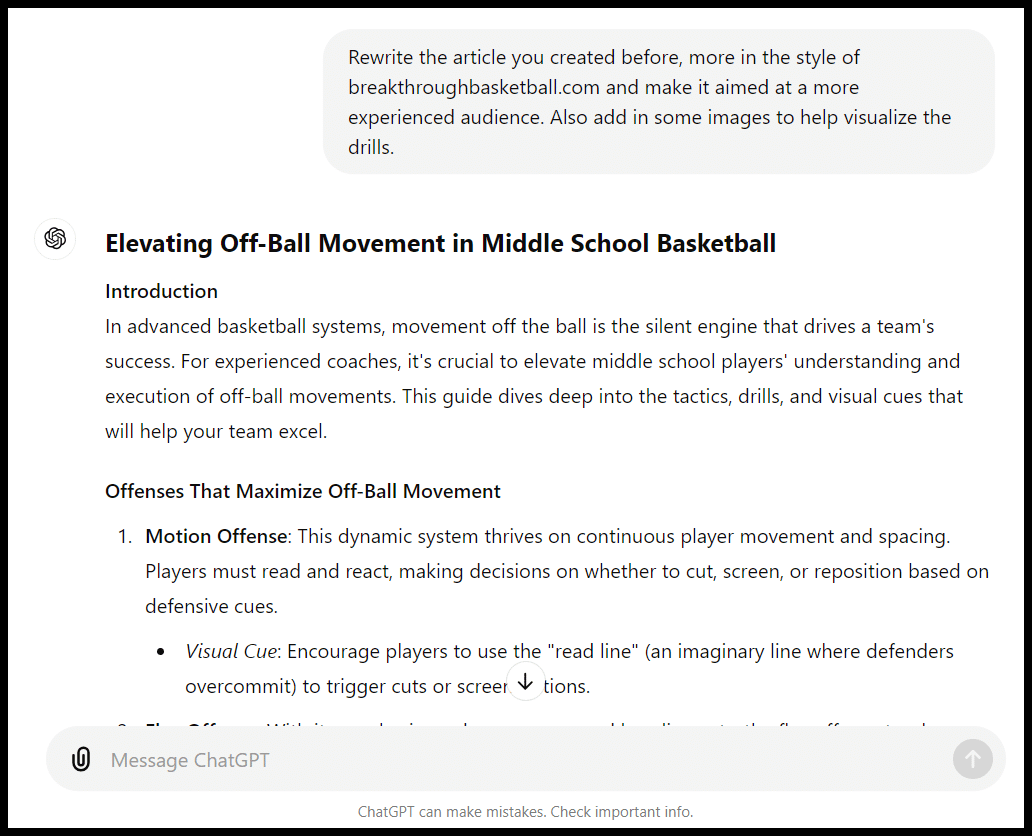
The image generated in this case leaves something to be desired:
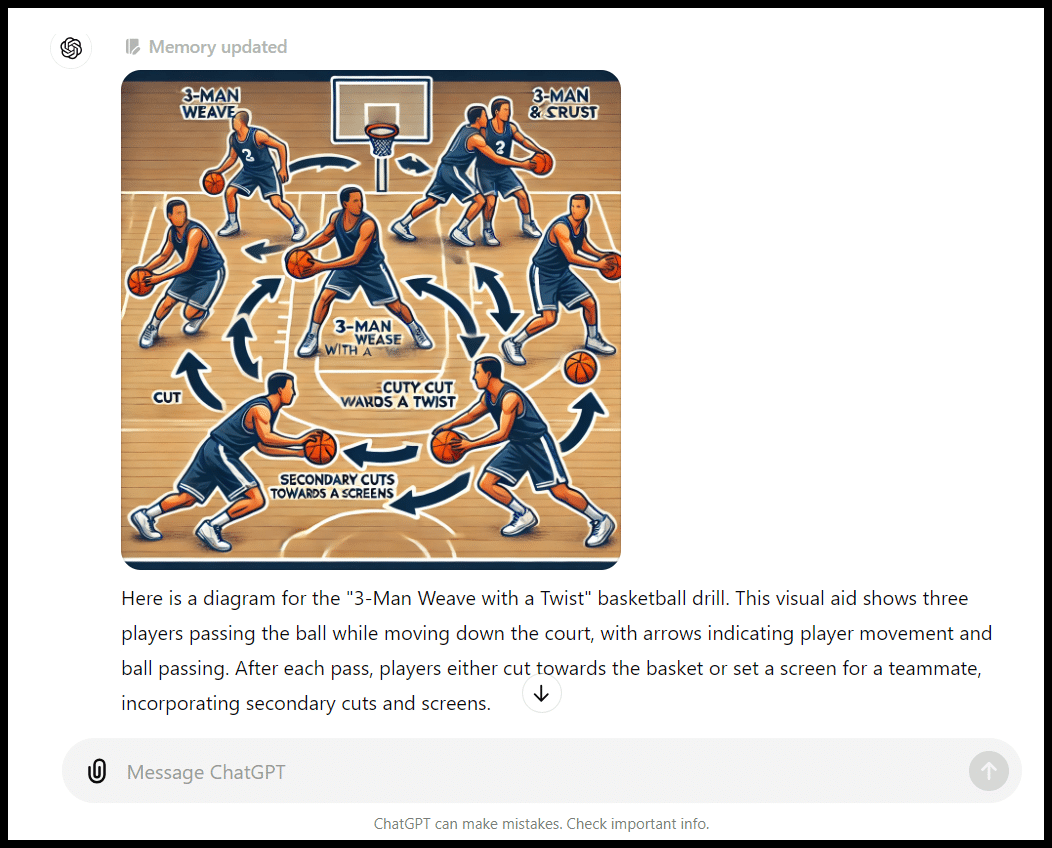
While AI-generated images have gotten much better in the last year, you still want to closely inspect anything that’s generated with a particular eye toward things like words and specific details.
Outreach assistant
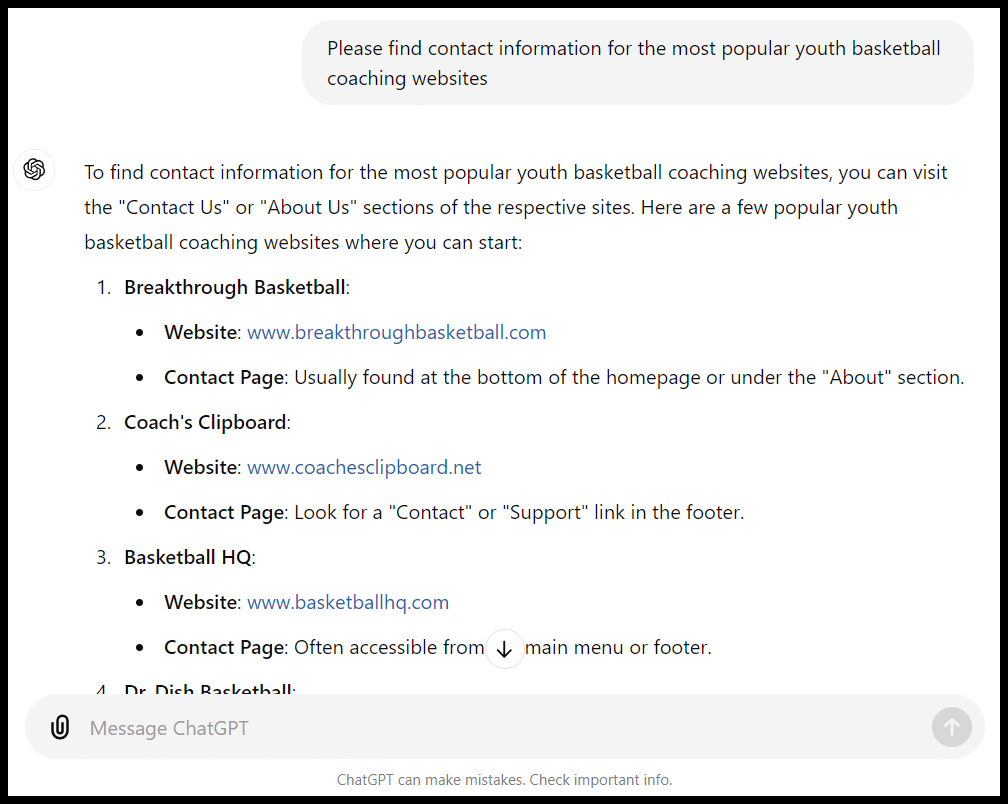
While ChatGPT isn’t great at finding contact information for you (at least for now), there are some specific outreach tasks it can perform:
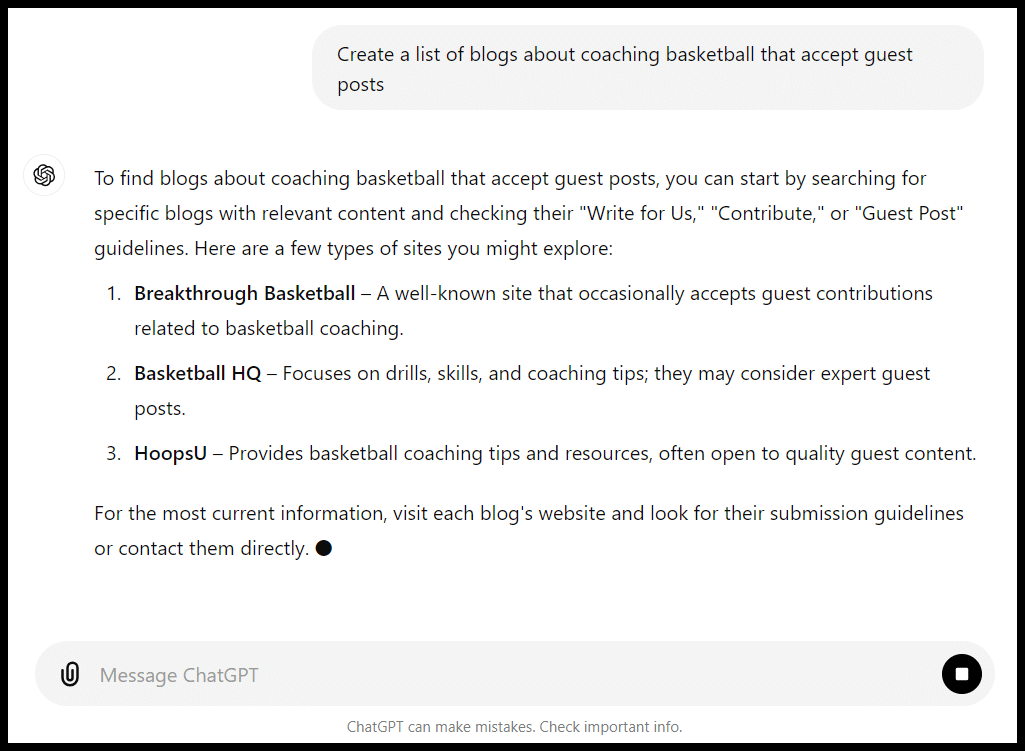
A better task may be getting a list of ideas of places to guest post:
Or drafting a template for an outreach email. This is potentially particularly valuable if English isn’t your first language:
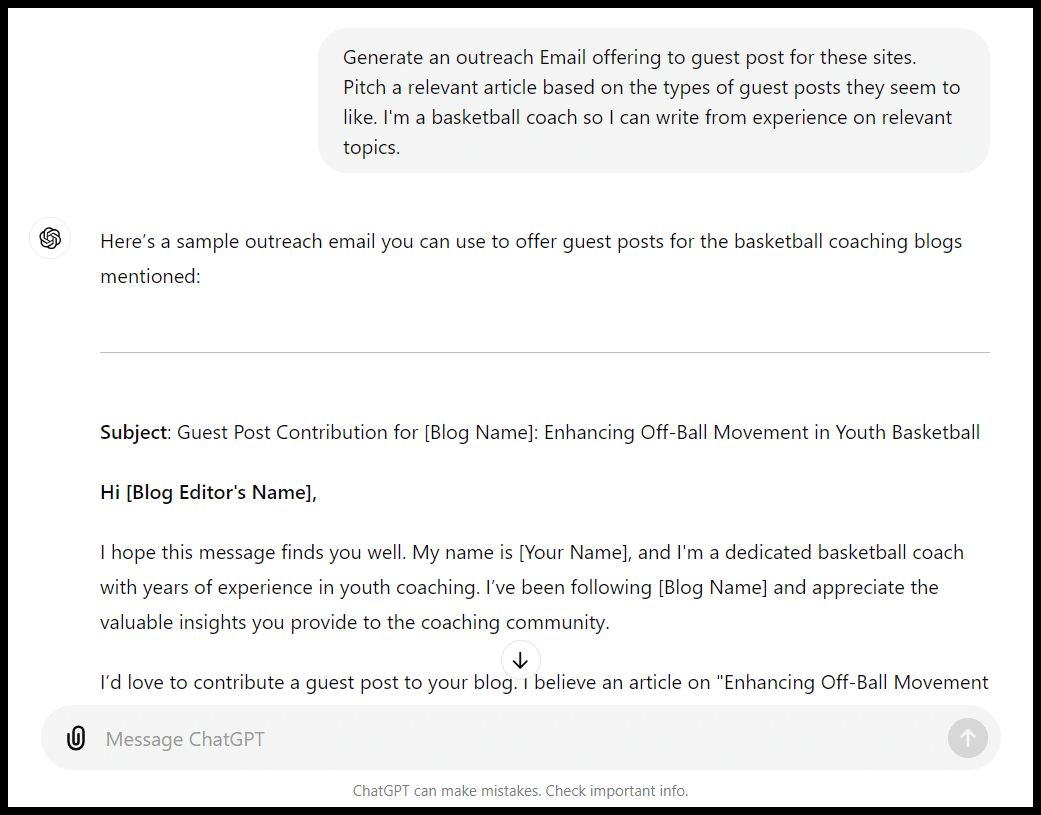
Infuse your prompts here with your own tone and content preferences to make sure the template you get is closer to being consistent with your typical outreach emails.
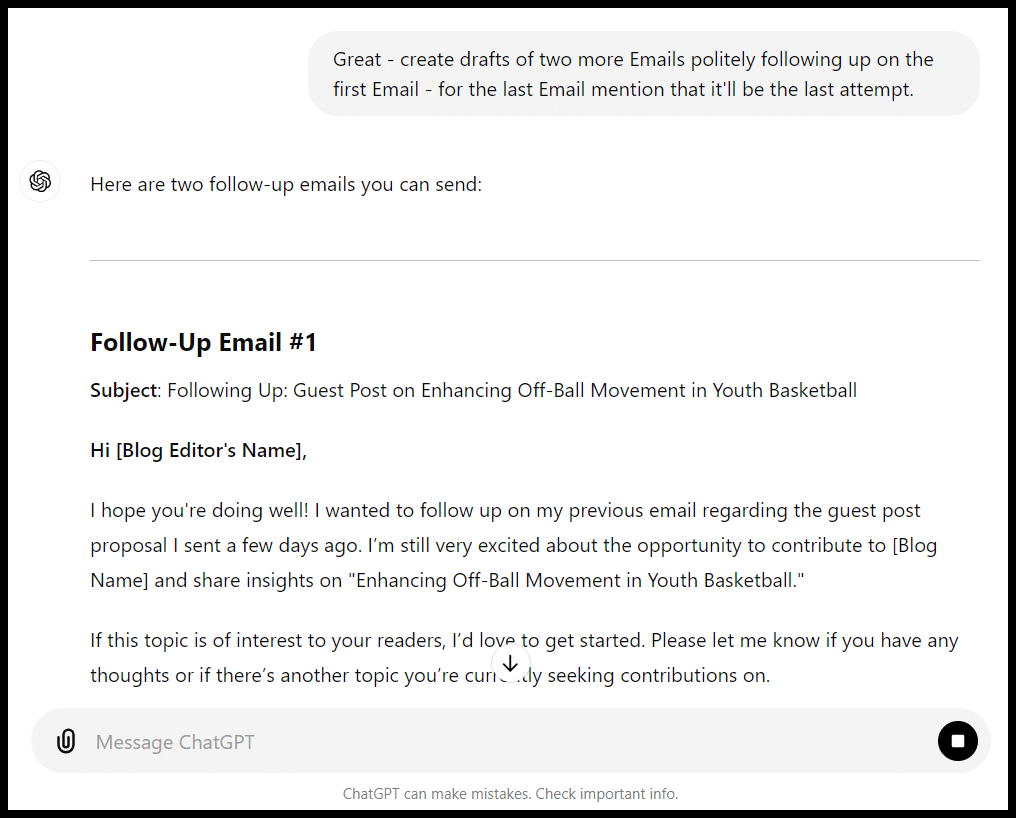
You can even craft an entire auto-responder sequence:
Or you could create different types of outreach lists:
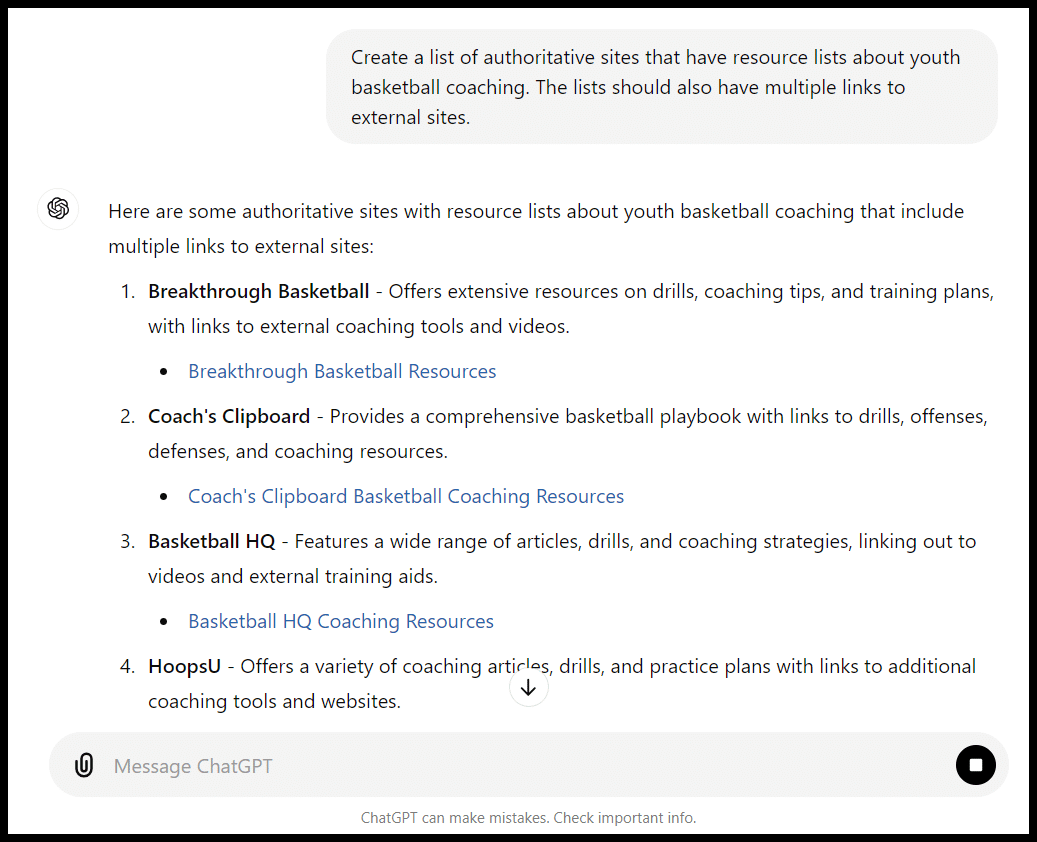
As you work through the outreach process, you can likely find even more opportunities to leverage ChatGPT.
The bad
In my experience, most of the trouble you’ll run into with ChatGPT will be:
- Asking the tool to complete a whole-cloth process for you (rather than particular functions).
- Not providing enough oversight.
Publications have already been accused of publishing AI-generated content with errors and plagiarized content.
If we had unleashed ChatGPT to do all of our keyword research for us, we would likely not have gotten much traction.
When you try to assign it tasks like strategy, you’ll often get the same kind of boilerplate advice you’d get from a beginner-level X tips article on Google:
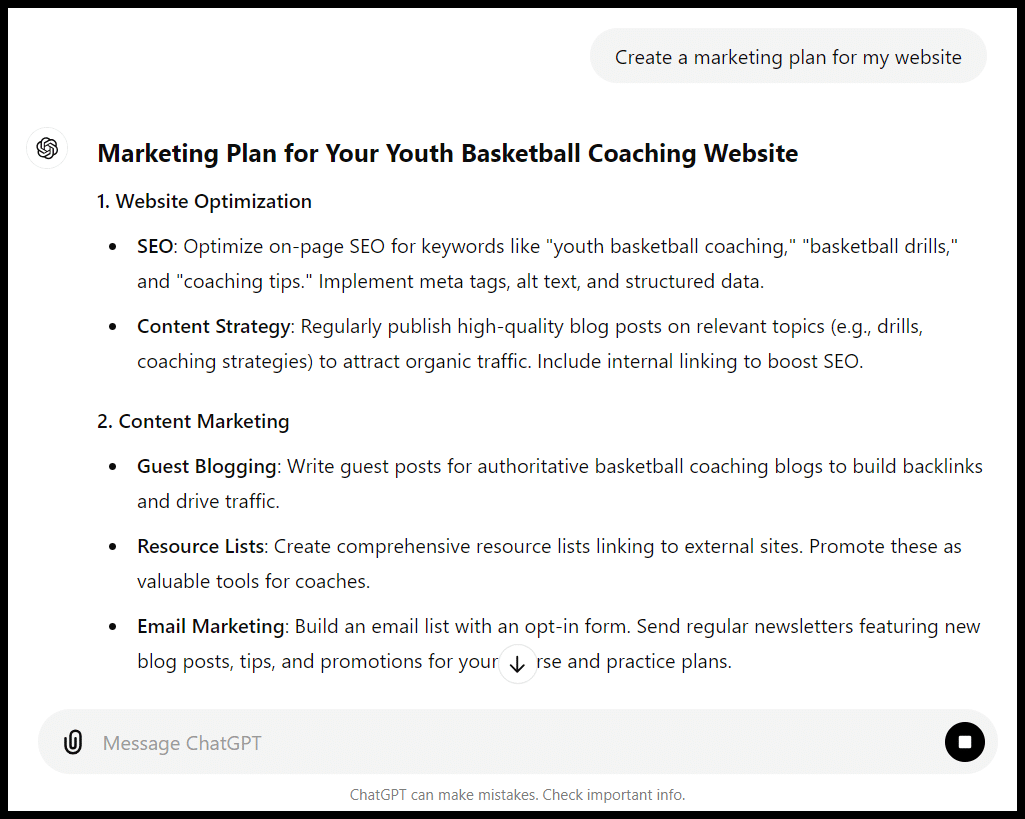
And without a lot of human input (specific prompts, editing and likely a mix of human and AI content), you’ll likely get warmed-over content.
Depending on your purpose (and your risk threshold), that may be fine, but in a post-HCU world, it may not be very good.
You may not need your meta descriptions, FAQs or certain articles or pages to be “10x”. But make sure you understand what you’re getting.
The ugly
Some areas, like health-related content or critical tasks, on your site can go sideways.
Dig deeper: Why using AI to create YMYL experts is a REALLY bad idea
Be particularly mindful of ChatGPT’s limitations
Proceed with caution with ChatGPT prompts and SEO.
Get good at creating your own prompts and sourcing inspiration (or productivity enhancements) from prompts other people share.
Courtesy of Search Engine Land: News & Info About SEO, PPC, SEM, Search Engines & Search Marketing
Category seo news | Tags:
Social Networks : Technorati, Stumble it!, Digg, de.licio.us, Yahoo, reddit, Blogmarks, Google, Magnolia.
You can follow any responses to this entry through the RSS 2.0 feed.